
Compare wall-mount racks with floor-standing cabinets by equipment size, load and the installation space. Choose the arrangement that supports your equipment and lets technicians work on it safely, rather than selecting by available floor space alone.
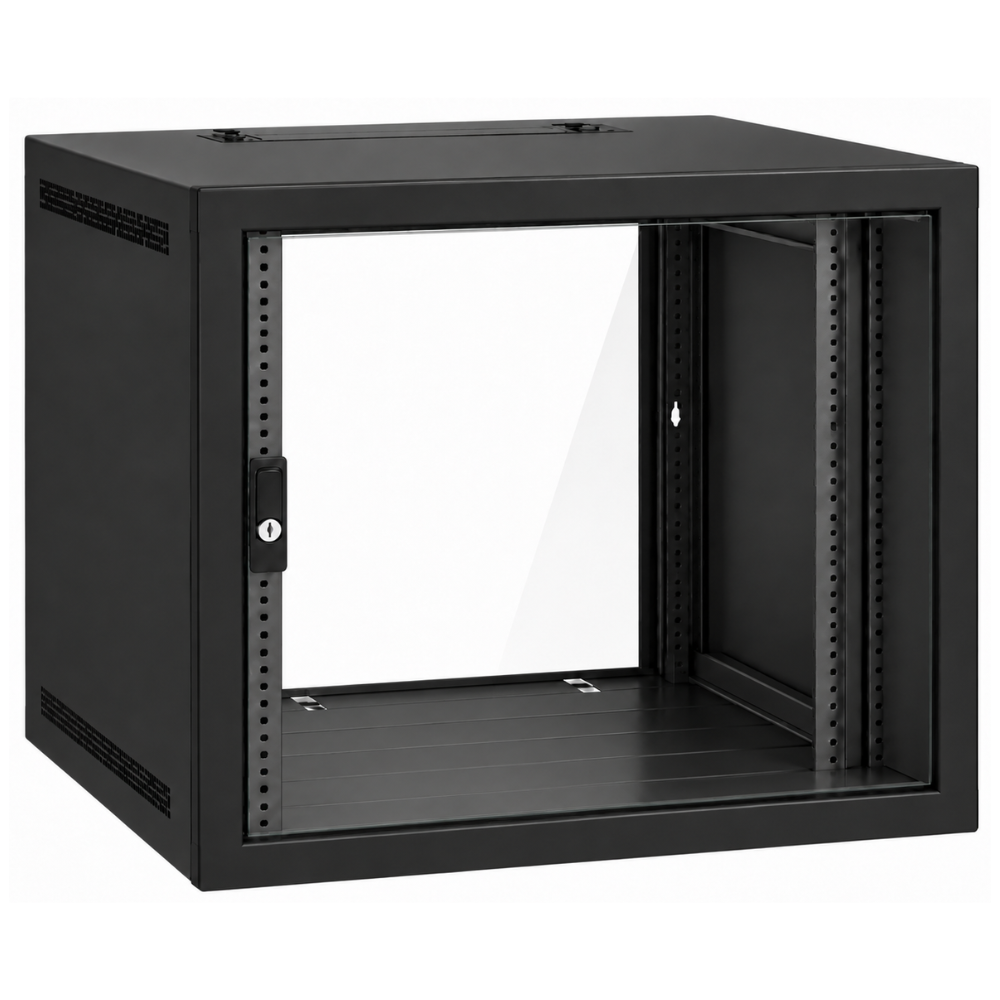
Wall-mount racks: assess the site
A wall enclosure can keep a compact network installation off the floor. Therefore, check the exact model’s depth, load rating, mounting instructions and rear-access arrangement. Wall enclosures vary considerably; a shallow patch-panel cabinet is not interchangeable with a server-depth model.
For wall-mount racks, have the installer confirm the wall structure and fixings for the loaded cabinet. In addition, include access to cable entries, door swing and the working position required for maintenance in the site survey.
When a floor-standing rack can suit
A four-post floor rack can provide front and rear support for compatible deep equipment. Check usable rail spacing, the floor and access route, installation clearances and the manufacturer’s stabilising or anchoring requirements.
For a shared office, also consider who can reach the equipment and how ventilation and noise will affect the room. An enclosed cabinet needs an airflow plan appropriate to the installed devices.
Compare wall-mount racks as a complete installation
When comparing wall-mount racks, ask each proposal to identify cabinet dimensions, usable depth, total supported load, doors or panels, mounting hardware and accessory provisions. In addition, request a clear distinction between what comes with the cabinet and what must be ordered separately.
Do not choose a wall cabinet merely because the equipment fits within its U height. Likewise, do not assume that a floor cabinet includes shelves, castors, fans or the rail kits required by your devices.
Useful details for a site survey
Finally, provide photographs and measurements of the proposed location, access route and cable entry points. List the equipment and expected additions. These details help establish whether wall mounting, a floor rack or a different location is practical.
Wall-mount racks: enquiry checklist
Request a rack or PDU quotation from Richcom with your equipment schedule, installation details and required accessories.
Return to the Server Rack and PDU Buying Guide in Sri Lanka
Technical references
Eaton: wall enclosure configurations
Eaton: rack form factors and access
Complete your rack installation
Network and Server Racks · Rack Power Distribution Units · Rack Shelves and Equipment Supports · Rack Cable Management · Rackmount Online UPS Systems
Check cabinet depth, mounting, equipment load and electrical connections for each component.