Printer service · Richcom Technology
Describe your Brother printer fault
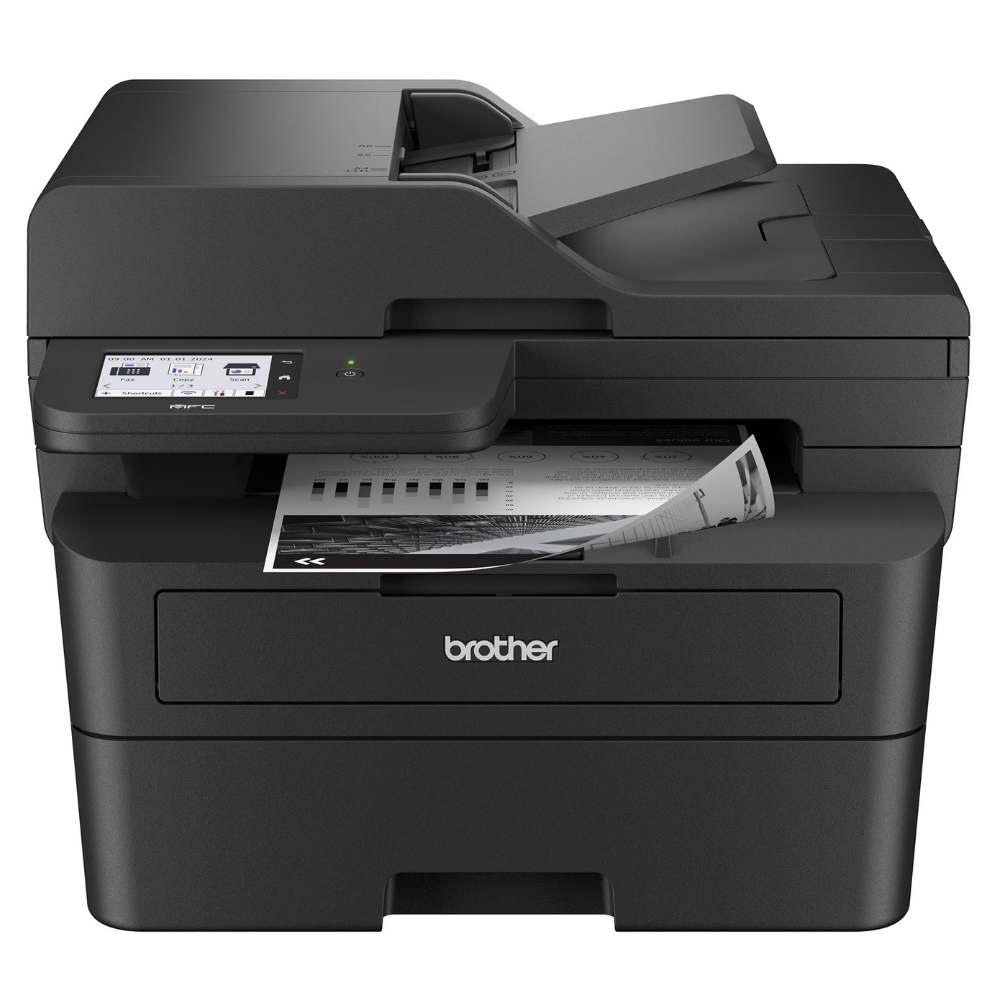
If your Brother printer shows an error or produces output you cannot use, send the model and a brief description through the appointment form. Tell us which functions are affected and whether the problem happens on every job or only under certain conditions.
Request an Appointment ↗Your preferred visit time needs confirmation.
- 01Tell us about the fault
Share the model and symptoms in the form below.
- 02Confirm your appointment
Submit a preferred date and time for confirmation.
- 03Approve the quoted work
Charges are quoted after assessment. Work needs your approval.
Author: Shantha · Last updated: 3 October 2026
For Brother printer repair, record the model and error, then confirm diagnosis, parts, quotation, turnaround and warranty.
Brother printer repair: What should I do if my Brother printer repair is not working?
Start by recording the exact Brother printer repair model, the symptoms and any displayed error. Check the manufacturer’s troubleshooting guidance and simple connections first. If the problem continues, request a diagnosis and written repair estimate before approving service.
For more information, see the linked published guide. Confirm current models, pricing, stock and warranty with Richcom before ordering.
What should I check before requesting service?
Note when the fault occurs, the error message, recent changes and the checks already tried. For a printer, include whether printing, scanning or connectivity is affected; for a laptop, describe charging behaviour and any power indicators.
What information helps with a repair estimate?
Share the exact Brother model, a clear description of the fault and any relevant error code. Ask whether diagnosis, parts, labour, turnaround and repair warranty are included in the estimate.
How should I prepare the device?
Back up important files when possible, remove sensitive documents from print queues, and bring the relevant power adapter or accessories if they may be related to the issue. Follow manufacturer safety guidance.
For advice based on your exact model and requirements, contact Richcom Technology or email [email protected].
Frequently asked questions
Give the full model, symptoms, error messages, when the problem began and troubleshooting already attempted.
Follow the manufacturer’s guidance. Stop using it if there is overheating, smoke, liquid exposure or electrical damage and arrange qualified service.
Repair coverage depends on the service provider and work performed. Ask for the terms and duration in writing.
Turnaround depends on the fault, diagnosis and parts availability. Request an estimate before authorizing the repair.
Find Original printer consumables
Brother Original Toner Cartridges
Match the cartridge to your exact printer model. Printing faults may need diagnosis before buying consumables.
Request an Appointment
Brother printer repair and service
Repair charges will be quoted after assessment. Work begins after your approval. Your preferred visit needs confirmation.