
Choose a monitor around the work on your screen and the space on your desk. A larger panel can be useful, but resolution, connections and stand adjustment often matter just as much. This monitor buying guide helps Sri Lankan shoppers compare office, study and gaming displays without relying on screen size alone.
Compare the current Monitor range and prices in Sri Lanka. Use this guide to decide what to check, then read the complete specification on your chosen listing.
Monitor Buying Guide: Choose screen size and resolution together
A 22-inch or 24-inch screen can suit a compact desk, while a 27-inch display offers a larger physical viewing area. However, two Full HD monitors still show the same pixel dimensions even when their screen sizes differ. Compare resolution, viewing distance and the size of text you find comfortable. For spreadsheets and several open windows, consider how much working space the resolution provides.
IPS, curved panels and refresh rate
IPS describes the panel technology; it does not tell you every detail about colour accuracy or refresh rate. Curved screens describe the shape, rather than guaranteeing better picture quality. For gaming, check the refresh rate, supported resolution and display inputs together. Your computer, cable and chosen input must support the mode you want to use.
Compare brands by the exact model
Acer, Asus, HP, Samsung and ViewSonic categories help narrow the range, but features vary within each brand. Check HDMI, DisplayPort or VGA against your computer outputs. If you need a monitor arm, confirm the mounting pattern and monitor weight. Speakers, height adjustment and cables are included only where the selected listing says so.
Current Richcom listings to compare
These are examples from the published catalogue, rather than a complete shortlist for every application. Prices are in LKR, checked on 10 October 2026. Follow each link for the current price, availability, ordering conditions and full specification.
| Listed product | Listed price (LKR) |
|---|---|
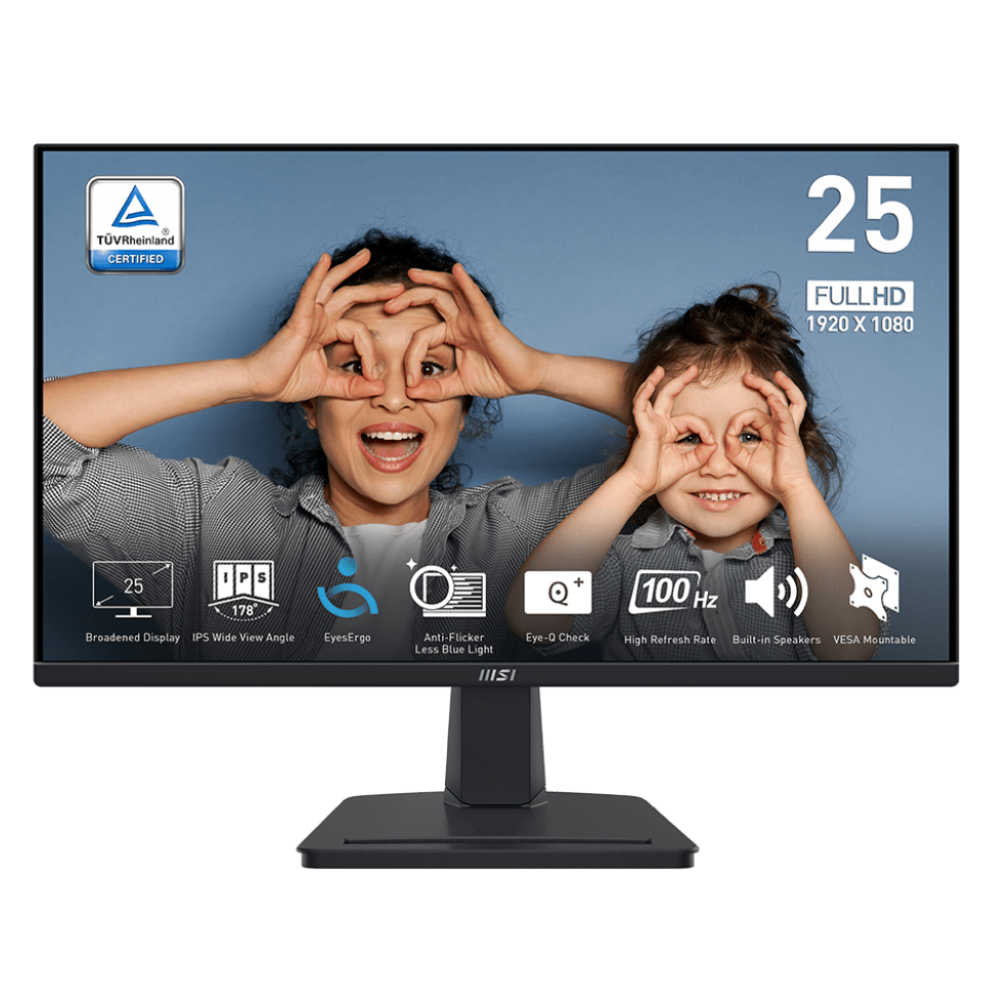
| MSI (Taiwan) Pro MP251L E2 24.5” FHD 120hz IPS Monitor (3Y) | 48,500 |
| Viewsonic (USA) VA2732-H 27" Full HD IPS Monitor (3Y) | 56,900 |
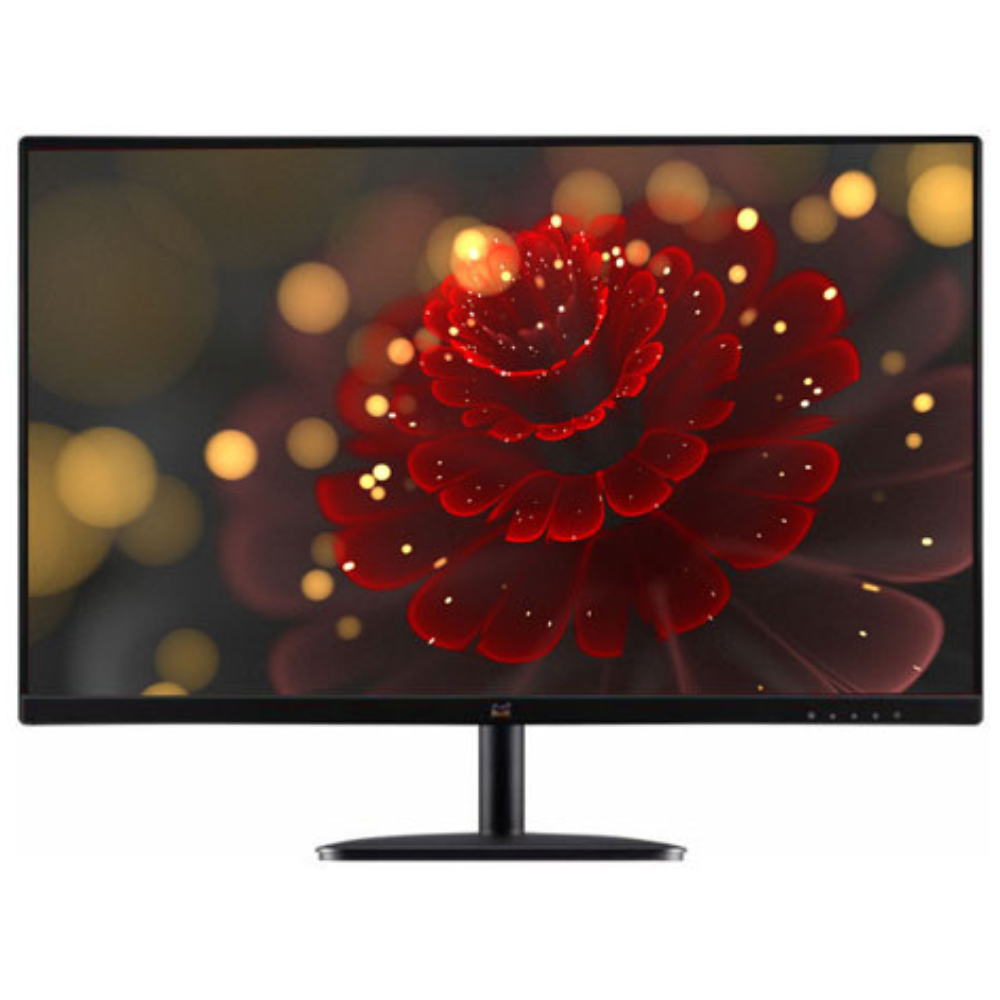
| ViewSonic (USA) VA2209-H 22” IPS Full HD Monitor (3Y) | 36,700 |

Before ordering
- Choose the screen size and resolution for your desk.
- Match the monitor input to your computer and cable.
- Confirm stand adjustment, mounting and supplied accessories.
- Read the individual warranty and confirm delivery or collection arrangements.
For a suitable shortlist, tell us the equipment you use and the result you need. Include model numbers and the relevant compatibility details. Contact Richcom Technology at [email protected] with your requirements.
Frequently asked questions
Is a 27-inch monitor always sharper than a 22-inch monitor?
No. Compare pixel resolution as well as screen size. A larger panel with the same resolution does not add more pixels.
Can I use an office monitor for gaming?
Check the exact refresh rate, connections and graphics output. An office label or a brand name alone does not establish gaming performance.
Browse related categories
Monitor · Gaming Monitor · Acer Monitor · Asus Monitor · 24-Inch Monitor · IPS Monitor · 27-Inch Monitor · HP Monitor · 22-Inch Monitor · Samsung Monitor · Curved Monitor · ViewSonic Monitor

