A mouse should suit your hand, computer and daily work. The lowest price or highest advertised specification alone cannot tell you whether it will be comfortable at your desk. This mouse buying guide helps you compare the Logitech range at Richcom for everyday tasks, office work and gaming.
Compare the current Mouse range and prices in Sri Lanka. Use the guide to shortlist a type, then check the exact part number and specification on the product listing.
Mouse buying guide: Start with how you use your computer
| Your priority | What to compare | Listing to explore |
|---|---|---|
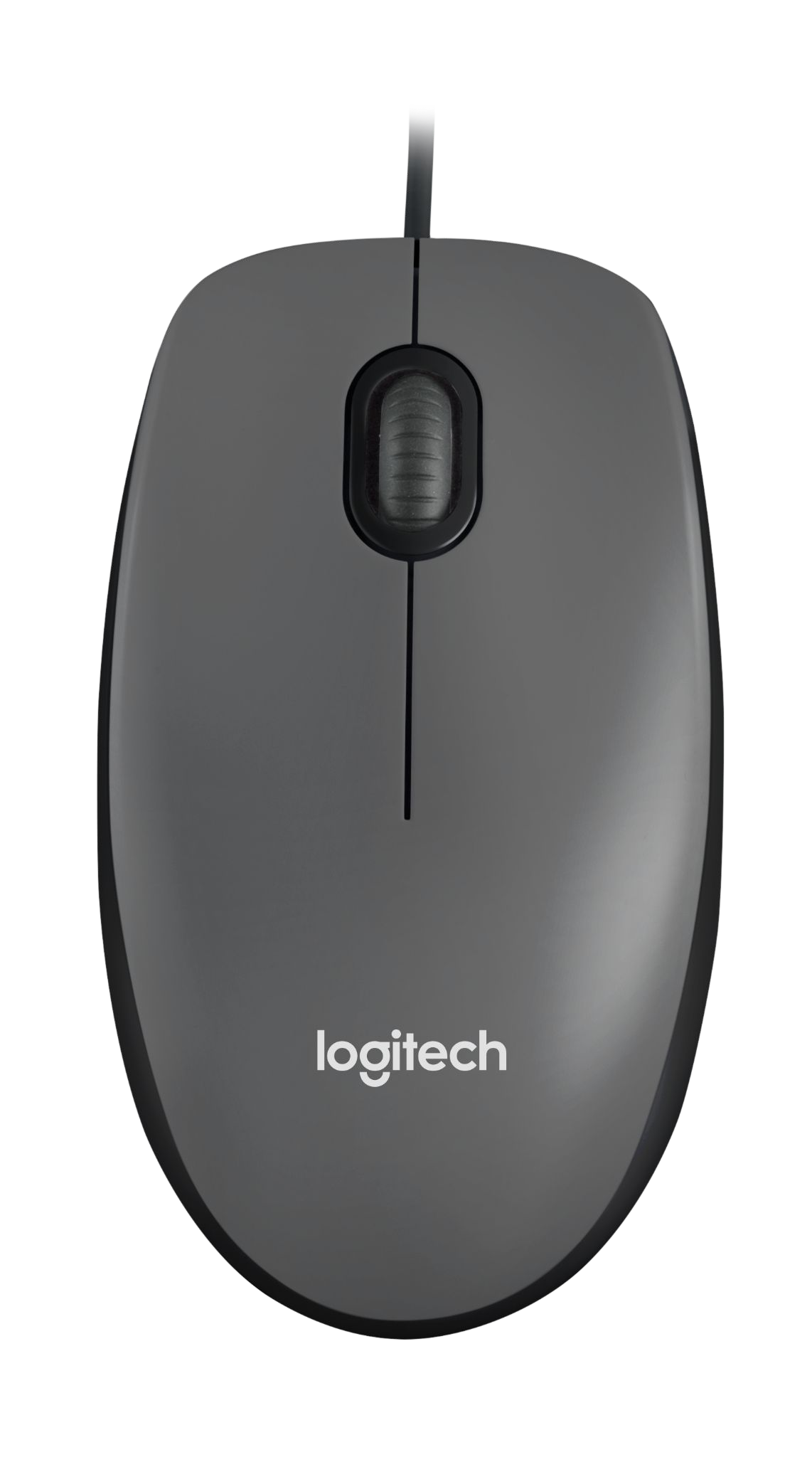
| Basic desktop use | Wired connection, shape and value | Logitech (Switzerland) M90 Wired Optical Mouse (2Y) |
| A desk with fewer cables | Wireless connection and receiver requirements | Logitech (Switzerland) M235n 2.4 GHz Wireless Mouse, Glossy Black (1Y) |
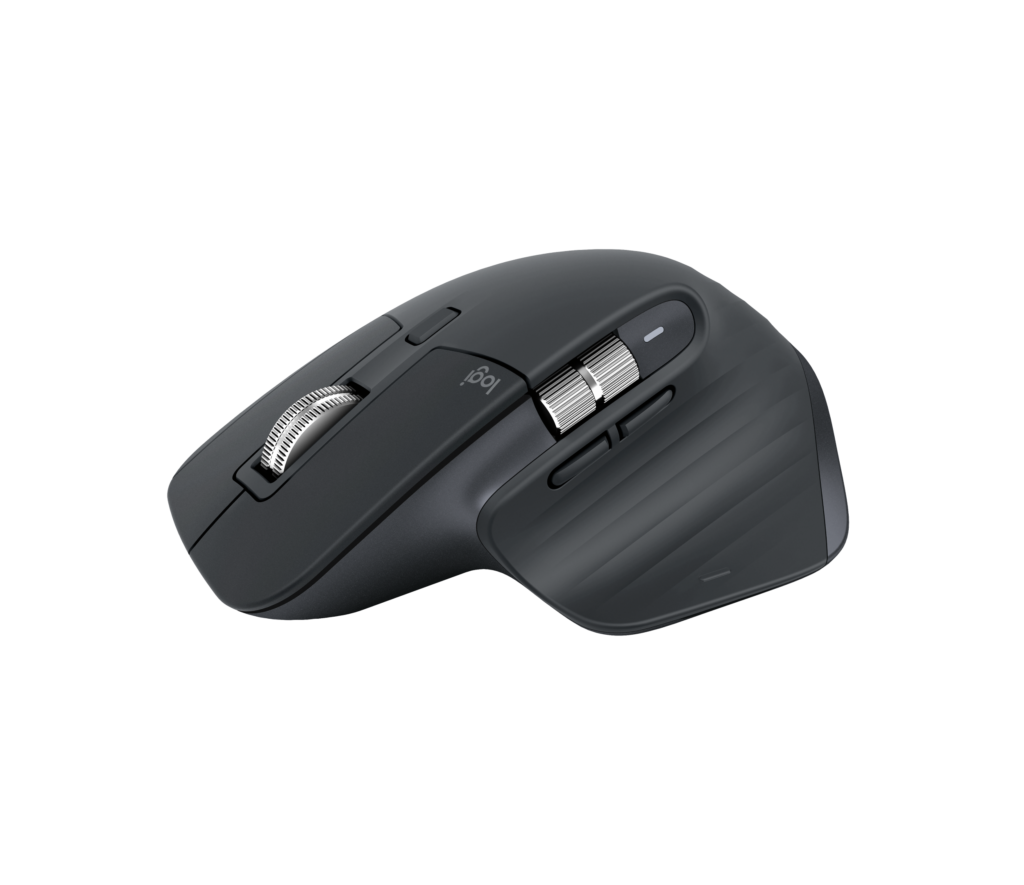
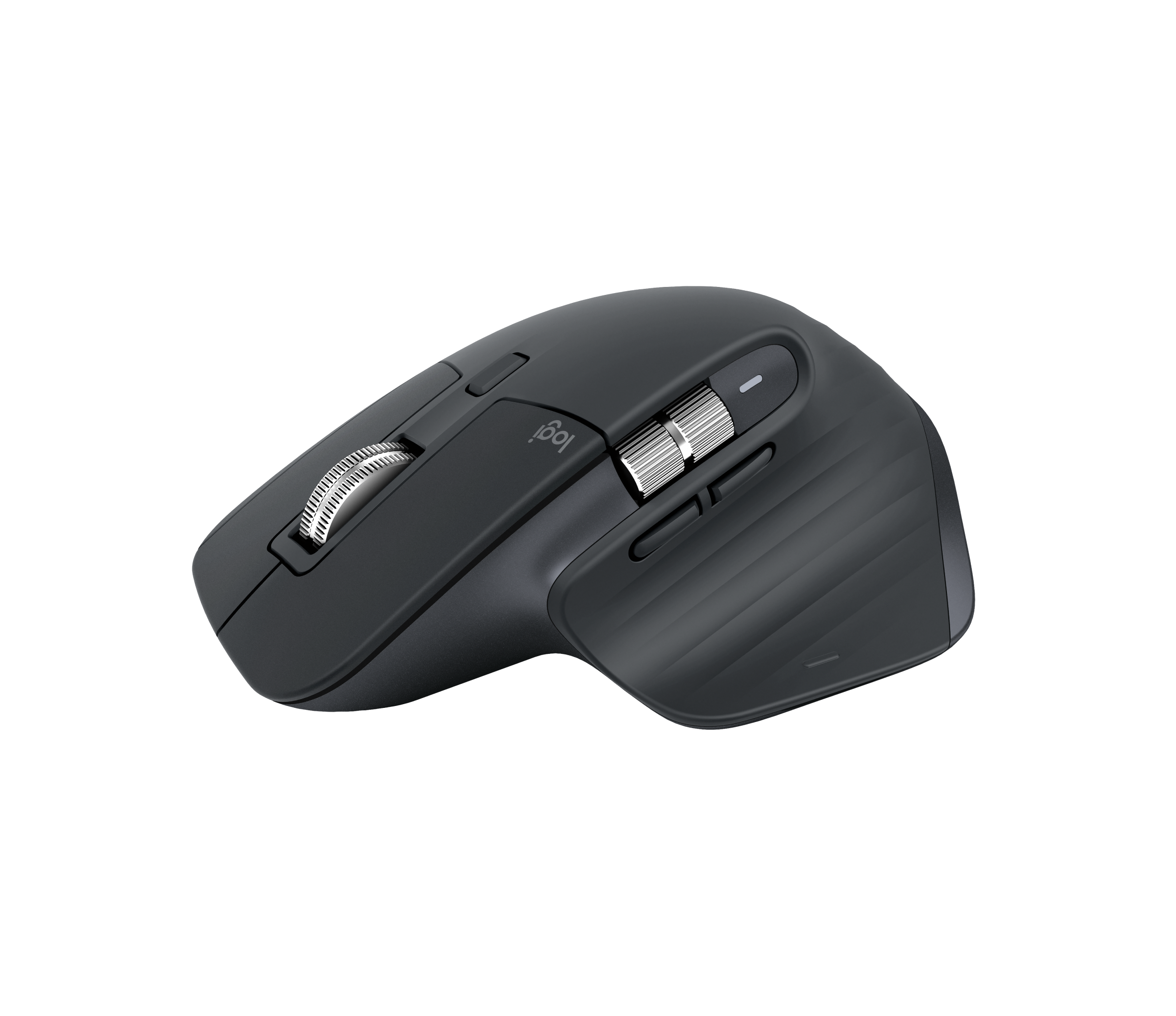
| Long periods of office work | Hand fit, button access and workflow needs | Logitech (Switzerland) MX Master 3S Wireless Mouse Graphite (With Receiver) (1Y) |
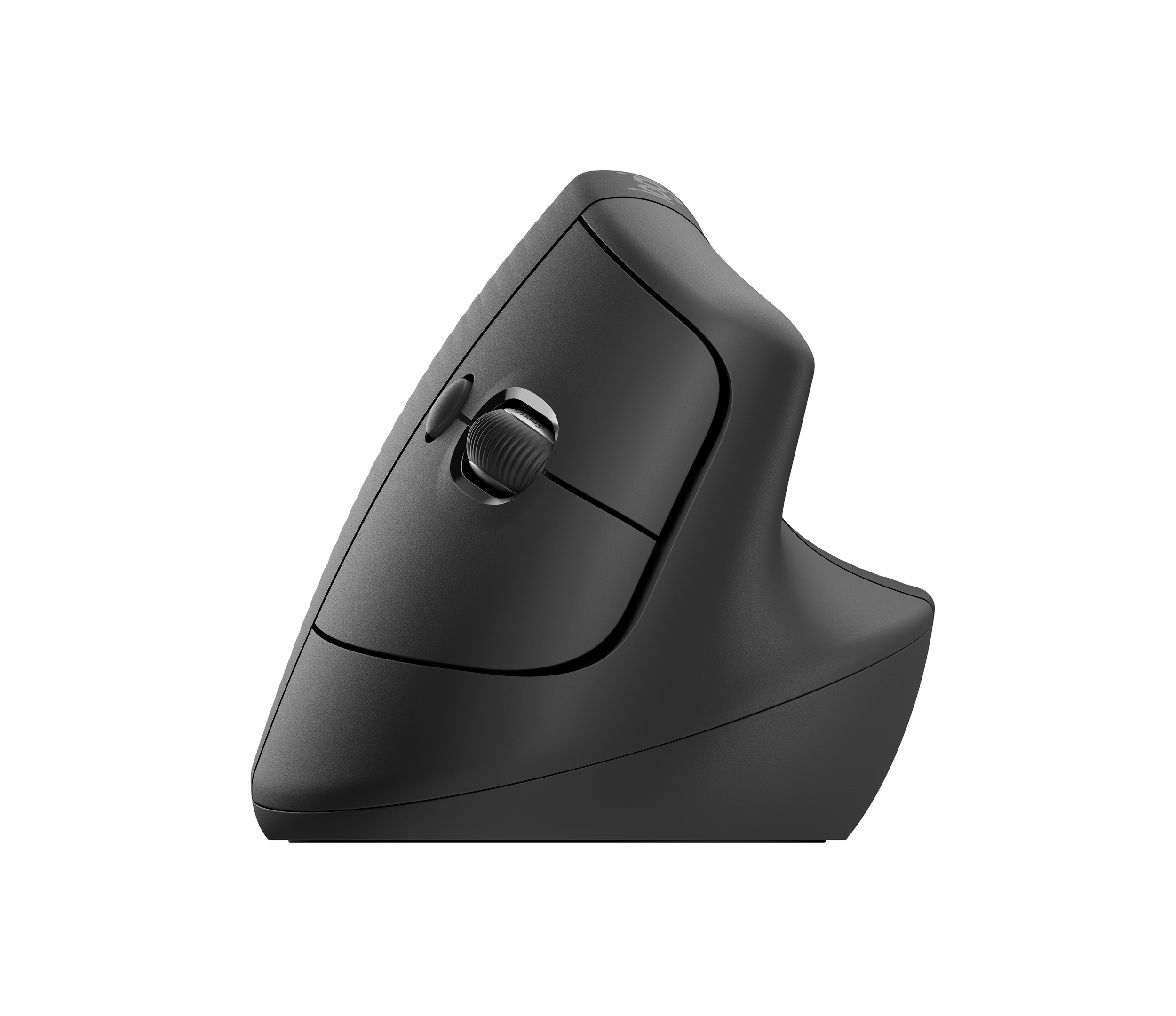
| A different grip position | Vertical shape and Bluetooth compatibility | Logitech (Switzerland) Lift Vertical Ergonomic Bluetooth Wireless Mouse, Graphite (1Y) |
| PC gaming | Shape, controls and wired versus wireless preference | Logitech (Switzerland) G502 Hero High Performance Wired Gaming Mouse Black (1Y) |
Wired, USB wireless or Bluetooth?
A wired mouse is a straightforward choice for a fixed desktop and removes the need to manage a mouse battery. Check the available USB connection and cable reach. Wireless models reduce cable clutter, but the connection method matters: a 2.4 GHz USB-receiver mouse and a Bluetooth mouse are not interchangeable descriptions.
The M235n listing identifies a 2.4 GHz wireless connection. The Lift listing identifies Bluetooth, while the selected MX Master 3S listing explicitly includes a receiver. Check the exact package before ordering, especially when comparing similarly named variants. For a computer with limited ports, plan the connection alongside your keyboard and other accessories.
Compare shape and controls before choosing by price
Consider hand size, preferred grip, left- or right-handed use and how much desk space you have. A vertical design changes the grip position; it should be evaluated for comfort rather than treated as a guaranteed solution for discomfort. If you use spreadsheets or creative applications, check the controls and software support for the exact model. For gaming, compare the complete specification and button arrangement rather than choosing only by a sensor number.
Current Richcom listings and prices to compare
Prices below are in LKR, checked on 19 November 2026. These are examples from the published catalogue. Follow each product link for the current price, availability, ordering conditions and full specification.
Before ordering
- Confirm wired, USB-receiver wireless or Bluetooth connectivity.
- Check the exact part number and whether a receiver is included.
- Compare shape, controls, battery requirements and operating-system support.
- Read the selected listing’s warranty, availability and ordering conditions.
For help choosing, send your computer model, preferred connection and how you plan to use the equipment to [email protected]. For office purchases, include the required quantity and whether every desk needs the same model.
Frequently asked questions
Does wireless always mean Bluetooth?
No. The M235n listed here uses 2.4 GHz wireless. Check each model’s stated connection rather than relying on the word wireless.
Do all MX Master 3S packages include a receiver?
Check the individual variant. The linked 910-006565 listing explicitly states that a receiver is included; do not assume the same package contents for another part number.
Can I buy a mouse together with a keyboard?
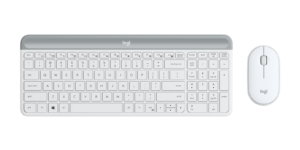
Yes. Browse Keyboard and Mouse Combo prices in Sri Lanka to compare complete sets, or choose a separate keyboard to suit your layout preferences.
Browse related categories
Mouse prices in Sri Lanka · Keyboard prices in Sri Lanka · Keyboard and Mouse Combo prices in Sri Lanka