
A PoE power budget must cover both individual ports and the total allocation across the switch. For cameras, access points and phones, check three separate requirements: the supported PoE standard, power available per port and the total power budget.
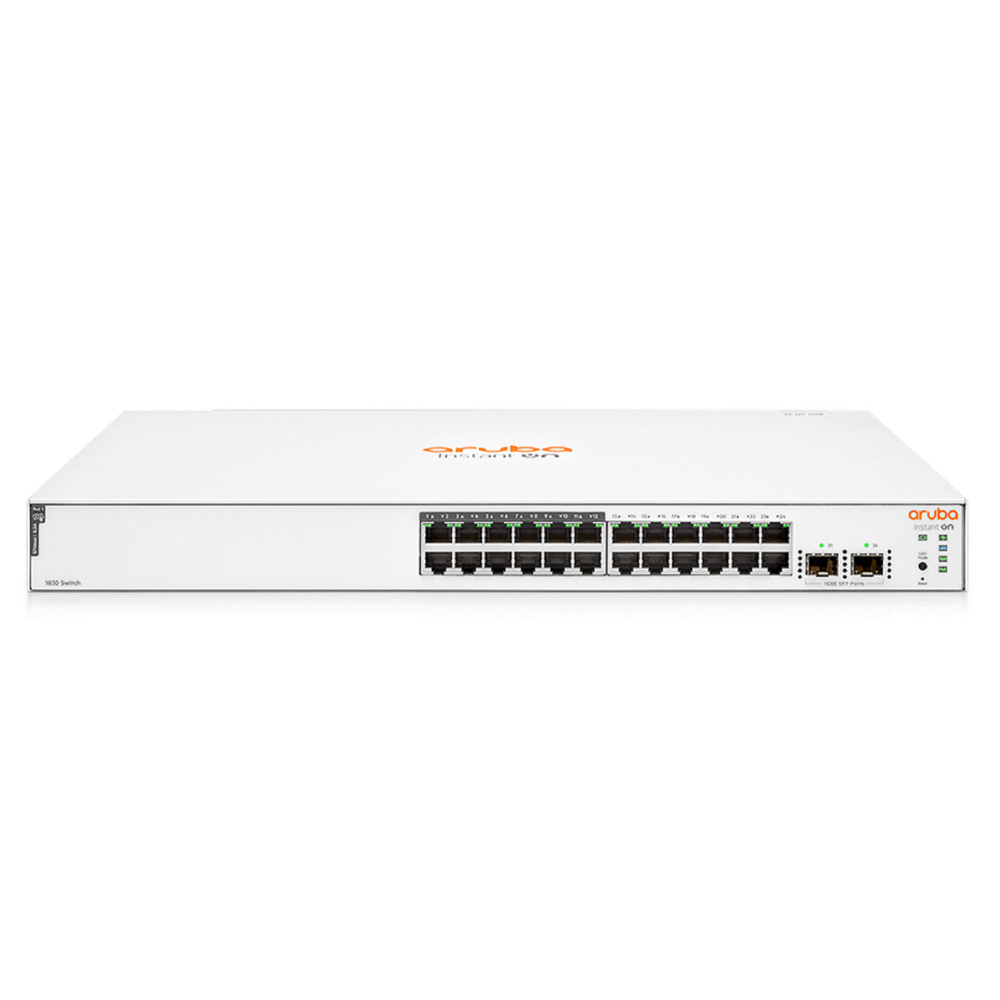
PoE power budget: match each device requirement
IEEE 802.3af PoE provides up to 15.4 W at the power sourcing equipment; 802.3at PoE+ provides up to 30 W. Less power is available at the powered device after cable losses. Higher-power devices may need an appropriate 802.3bt implementation. Check the device’s required class and operating mode.
A device may start with an inadequate power source but restrict functions. Instead, use its manufacturer’s power requirements, including any conditions for full operation, rather than assuming that a lit status indicator proves compatibility.
Per-port power is not the total budget
However, a switch with 24 PoE+ ports does not necessarily deliver 30 W on every port simultaneously. The available budget depends on the exact model and power supply configuration. Also check how the switch allocates its PoE power budget and what happens when the budget is exhausted.
A simple planning example
Suppose a proposal allocates 15 W at the switch to each of eight cameras and 30 W to each of two access points. The planned allocation is (8 × 15) + (2 × 30) = 180 W. A 120 W budget cannot cover that allocation. This example uses switch-side allocations, not device consumption figures.
Then add the project’s agreed allowance for future devices and verify each individual port limit. Have the installer confirm cable suitability and any device-specific requirements.
Make the quotation explicit
Finally, request the number of powered ports, standards supported, total usable PoE budget, supplied power unit and planned device allocations. Finally, distinguish standards-based PoE from passive power arrangements before connecting equipment.
For example, keep planned new cameras on the power schedule even before the team orders them.
PoE power budget: enquiry checklist
Request a network switch quotation from Richcom with your device list, required features and installation details.
Return to the Network Switch Buying Guide in Sri Lanka
Technical references
Cisco: PoE standards and access-point requirements
HPE Aruba Networking: PoE planning guide
Complete your network installation
Network Patch Cords · SFP and SFP+ Compatibility Guide · Structured Cabling Buying Guide
Check port interfaces and module compatibility before selecting uplink accessories.