
Compare Layer 3 switches with Layer 2 models by the role each will perform in your network. Choose a switch by the role it will perform in the network and the capabilities required by that role.
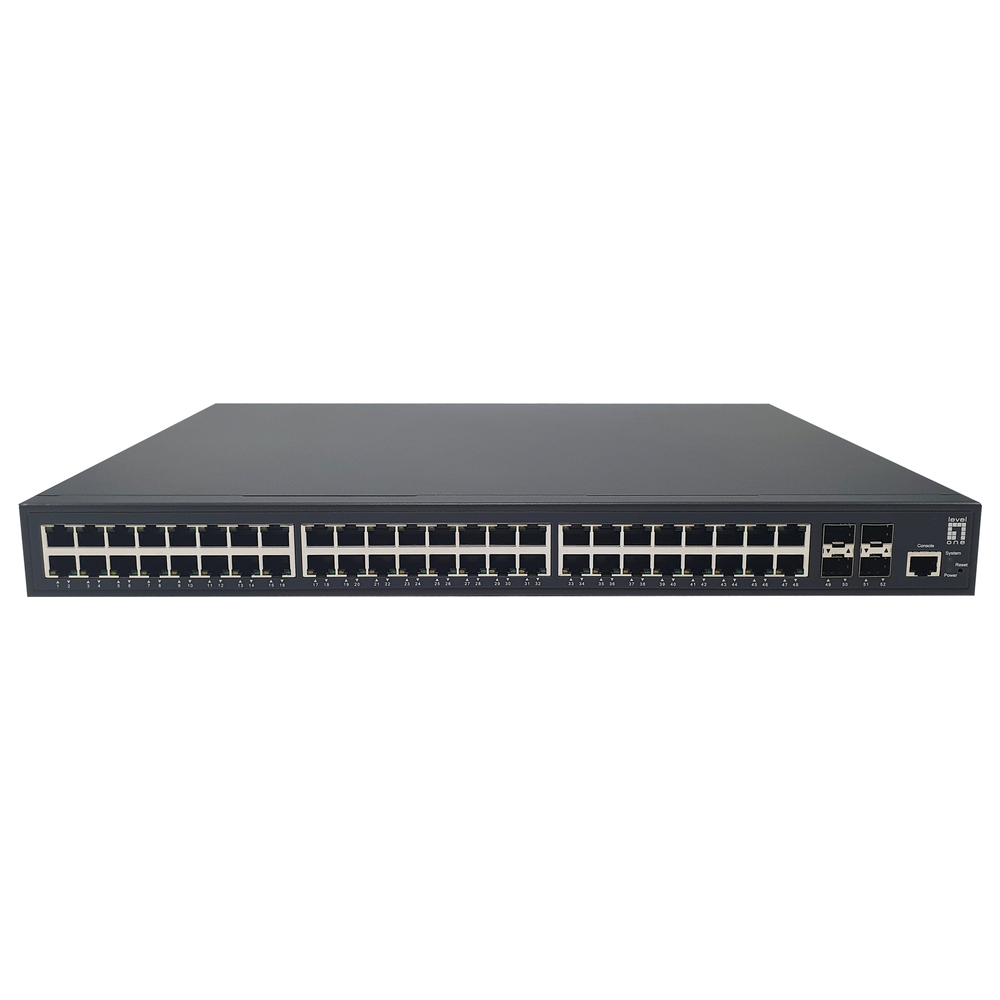
Layer 3 switches and Layer 2: switching within a VLAN
A Layer 2 switch forwards Ethernet frames using MAC addresses. A VLAN-capable managed switch can separate groups of ports into distinct logical networks. Carrying several VLANs over a trunk does not, by itself, provide routing between them.
Routing between networks
Communication between different IP subnets requires routing. Suitable Layer 3 switches can perform this inside the local network, while another design may place that function on a router or firewall. The choice depends on the intended traffic flow and policy.
However, a Layer 3 switch does not automatically replace an internet firewall. Internet access, filtering and other gateway functions still need to be specified for the network design.
Check routing features on Layer 3 switches
Some products provide only a limited set of static routes; others support additional routing protocols. Also check route limits, VLAN capacity, access-control functions and any licence dependencies in the exact model documentation.
For example, an office comparing Layer 3 switches may separate staff, guests and CCTV into different VLANs. Before selecting equipment, decide which groups should communicate and where those permissions will be enforced. Therefore, merely creating VLAN names does not define the whole policy.
Give the supplier a diagram
A simple diagram showing switches, router or firewall, device groups and the intended gateways is useful. Next, ask the proposal to state where routing occurs, which features are included and who is responsible for configuration and testing.
Finally, keep the approved diagram and configuration records with the equipment documentation. They make later additions easier to assess.
Layer 3 switches: enquiry checklist
Request a network switch quotation from Richcom with your device list, required features and installation details.
Return to the Network Switch Buying Guide in Sri Lanka
Technical references
Cisco: inter-VLAN routing design example
Cisco: smart and managed switch feature distinctions
Complete your network installation
Network Patch Cords · SFP and SFP+ Compatibility Guide · PoE Power Budget Guide · Structured Cabling Buying Guide
Check port interfaces and module compatibility before selecting uplink accessories.