
Plan switch port count from the devices connected today, the uplinks and your expected additions. Count the equipment connected today, reserve ports for planned additions and identify the links that connect the switch to the rest of the network.
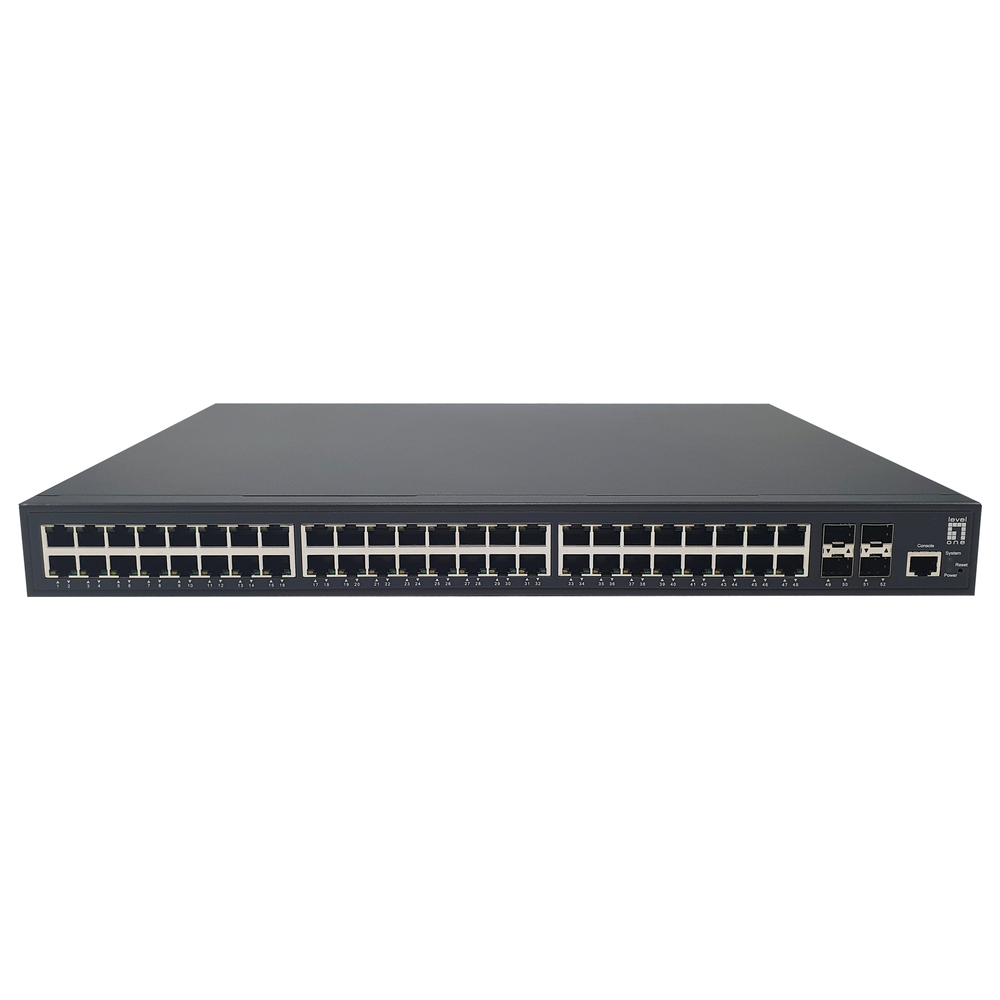
Switch port count: usable connections
For example, 12 computers, two printers, three access points and one copper uplink use 18 ports. A 16-port model is too small for that layout. A 24-port model would leave six spare ports, assuming all 24 ports are usable for those connections.
Also check uplinks when planning switch port count. Are they dedicated or shared with copper ports? A combo port may offer a choice of connection medium rather than two independently usable connections. Record the exact usable layout in the quotation.
Match speed to the endpoints
Fast Ethernet commonly refers to 100 Mbps, Gigabit Ethernet to 1 Gbps, and 10 Gigabit Ethernet to 10 Gbps. Verify the speeds supported by both connected devices and the cable system. However, a faster switch does not by itself upgrade a slower endpoint.
Some access points and workstations support intermediate speeds such as 2.5 Gbps or 5 Gbps. Ask for those speeds explicitly where required; a 10G port label does not establish support for every lower speed.
Switch port count and shared uplink capacity
An uplink is shared by traffic crossing that connection. Consider simultaneous file transfers, recording traffic and access-point use, rather than multiplying port count by speed and assuming that is the uplink requirement.
When reviewing switch port count, ask the supplier to distinguish access-port speeds, uplink speeds, switching capacity and forwarding performance. They describe different aspects of the product. Keep the comparison tied to your intended traffic pattern.
Prepare for growth
Send Richcom the port schedule, required speeds, proposed uplink destinations and expected additions. Include whether unused ports must also support PoE. The resulting shortlist will be more useful than a request for an unspecified 24-port switch.
Switch port count: enquiry checklist
Request a network switch quotation from Richcom with your device list, required features and installation details.
Return to the Network Switch Buying Guide in Sri Lanka
Technical references
Cisco: example Gigabit switch port configurations
Cisco: uplink module compatibility
Complete your network installation
Network Patch Cords · SFP and SFP+ Compatibility Guide · PoE Power Budget Guide · Structured Cabling Buying Guide
Check port interfaces and module compatibility before selecting uplink accessories.