
Workplace planning guide · Reviewed 10 October 2026
Plan office desktop computers around each employee’s applications, normal workload, display needs and support requirements. Before comparing processor tiers, agree on the work each desk must handle and the equipment already available.
What should each department tell you?
| Work pattern | Record before requesting a quotation |
|---|---|
| Documents, email and browser applications | Applications used together, typical browser workload and existing storage use. |
| Accounting and large spreadsheets | Application requirements, file sizes, data location and peak memory use. |
| Design, CAD or video work | Exact application versions, project sizes, graphics requirements and display requirements. |
| Shared desks and meeting rooms | Display connections, webcam/headset needs, network access and user management. |
How much memory and storage should you budget?
Use actual workload information. Insufficient RAM can force more data to disk, but adding memory beyond your needs does not automatically accelerate every task. Compare the application requirements and normal peak use. Choose storage capacity with room for working files and updates, and maintain an independent backup.
What should a complete-set quotation specify?
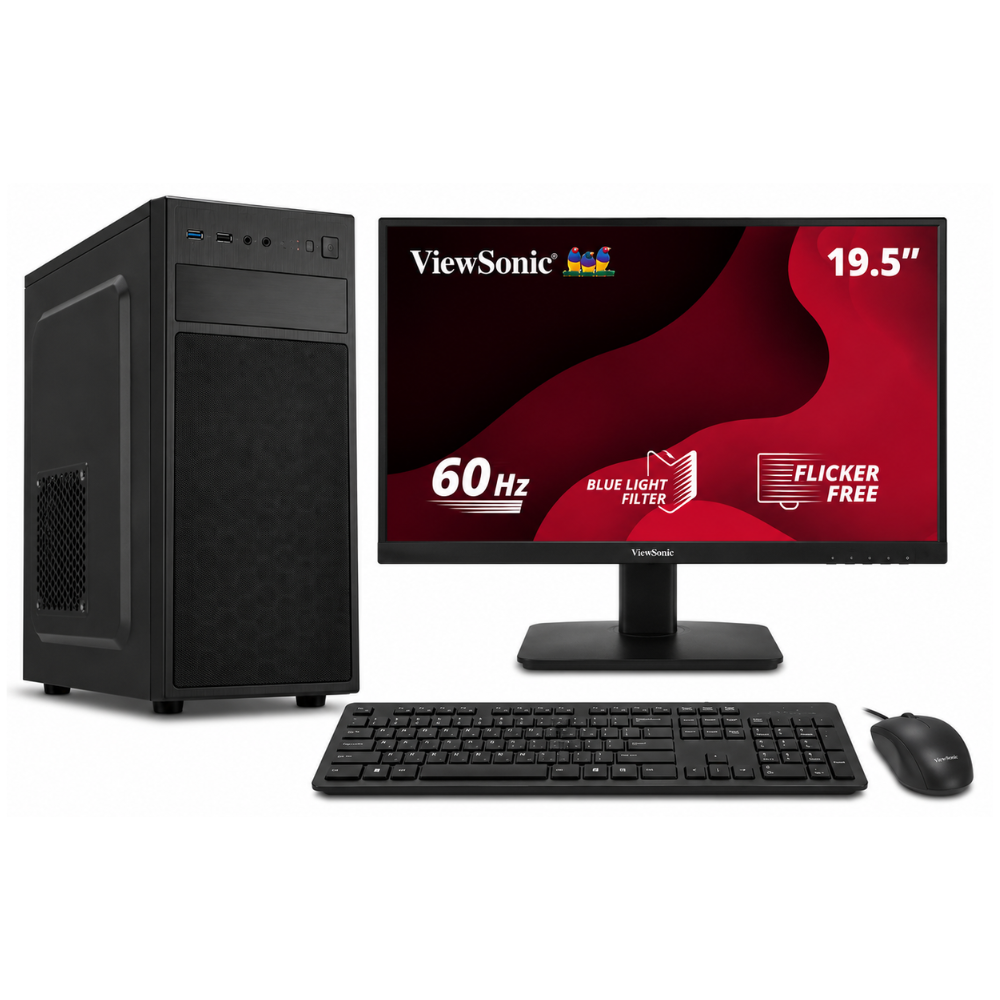
Ask for the exact processor, motherboard, RAM generation and capacity, SSD model and capacity, graphics arrangement, monitor model, keyboard, mouse and network options. Check any webcam, headset or additional screen separately. A full-set image is not a substitute for an itemised specification.
Should you choose Intel or AMD for every desk?
Compare complete configurations against the same workload and included equipment. The Intel Essential, Standard and Professional Office PCs currently list DDR4 memory. The AMD office examples list DDR5. That is a configuration difference, not evidence that one package is always faster for every office task.
Use the Intel and AMD office configuration comparison for a dated price and specification table. Use the office desktop overview to review the existing Intel packages in more detail.
What should procurement confirm beyond hardware?
Record Windows and Office licence editions, activation and commercial-use terms in the quotation. Confirm warranty coverage, service arrangements, delivery requirements and the number of complete sets. Where a tender is involved, check each requirement individually rather than assuming a processor generation establishes compliance.
How should you prepare for installation?
Measure desk space and count power, network and display connections. Identify who will handle user accounts, application installation and data migration. If a UPS is required, include the actual load of the computer and screens when requesting sizing advice.
Request a workplace quotation
Send your applications, quantities, existing equipment and preferred display setup to [email protected]. Visit Richcom Technology at 327, 1st Floor, Unity Plaza Shopping Complex, Colombo 04. Confirm the final configuration and service scope before ordering.
Frequently asked questions
Should every employee receive the same computer?
A common configuration can simplify support, but workloads may differ. Group similar roles and verify the requirements of demanding applications before choosing one package for everyone.
Does 32GB RAM guarantee faster office work?
Additional capacity helps when your workload needs it. It does not remove processor, storage, network or application bottlenecks.
Can a processor tier prove tender compliance?
No. Compare the quoted configuration and documentation against each tender requirement.

