
A neat server cabinet with well-chosen rack panels depends on more than rails and shelves. Blank panels close unused rack spaces, cable entry plates guide conductors through cabinet openings, and brush panels help route patch cords while limiting open gaps. Before comparing cable-entry and closure options for Sri Lankan racks, measure the cabinet, map the cable paths, and consider how the panel may affect airflow, access, and electrical safety.
What rack panels and cable-entry parts do
Rack panels fill or organize openings in a 19-inch equipment frame. A blanking panel covers unused rack units, creating a more finished front and helping separate equipment zones. A brush panel provides a pass-through for patch leads while its bristles reduce the size of the open space around them. A gland plate or cable-entry plate uses a defined opening for cables, conduits, or compatible glands. Front plates can protect an opening, guide wiring, or provide a mounting surface, depending on their construction.
These parts are not interchangeable. Start by deciding whether the opening is meant to remain closed, pass flexible cables, or support a fixed cable route. Then check the frame width, panel height, mounting pattern, cut-out dimensions, material, and the clearance behind the panel.
Measure the rack opening before choosing a panel
Most equipment cabinets use standardized 19-inch mounting arrangements, but the usable opening still depends on the frame and the specific product. Count available rack units and confirm the panel’s stated U height. Measure the free width and depth around the opening, including nearby rails, cable managers, doors, hinges, and equipment handles. A panel that fits between the rails may still obstruct a door or collide with equipment mounted behind it.
For equipment frames, the IEC 60297 series defines dimensions for mechanical structures used in 19-inch equipment practice. Use the IEC 60297-3-100 standard reference as a dimensional reference, then confirm the product data and cabinet drawings for your installation. Do not assume that standards compatibility alone confirms a specific panel’s cut-out, depth, finish, or accessories.
Choose the right type of cable opening
A brush entry is useful when patch cords need to move through a rack boundary or between cabinet compartments. The bristles allow cables to pass without leaving the full opening exposed. Choose a panel with enough usable brush area for the number and thickness of cables planned. Avoid forcing a crowded bundle through a small slot: that can press on connectors, make tracing difficult, or place strain on the cable.
A cable gland plate suits installations where cables pass through a defined opening and need a more controlled route. Check the opening dimensions and whether the plate is supplied with a gland or requires a separately selected fitting. Match the gland to cable diameter and application. A plate with a specific cut-out should not be treated as a universal pass-through.
A solid or grille front plate may be appropriate when the goal is to close or protect a front opening. Consider ventilation and access before covering an area that was designed to provide airflow or reach a service point. If a plate is intended for a power distribution installation, verify its electrical rating, protective devices, mounting orientation, earthing provisions, and installation requirements with a qualified electrician.
Plan cable routing and airflow around rack panels
Map where network, power, and control cables enter and leave the cabinet. Keep cable paths orderly and avoid sharp bends, pinching points, or tension at connectors. Separate power and data runs according to equipment guidance and applicable electrical practice. Leave enough service slack to withdraw equipment safely, while keeping excess cable supported and labeled.
Panels can influence how air moves through a rack. Blanking unused spaces may help reduce bypass flow, but do not cover ventilation openings or assume that every open area is a cooling defect. Check the cabinet’s airflow direction, fan locations, equipment intake and exhaust, and any containment design. After installation, observe temperatures under a representative workload and revise the layout if equipment receives less airflow.
Featured examples from the category
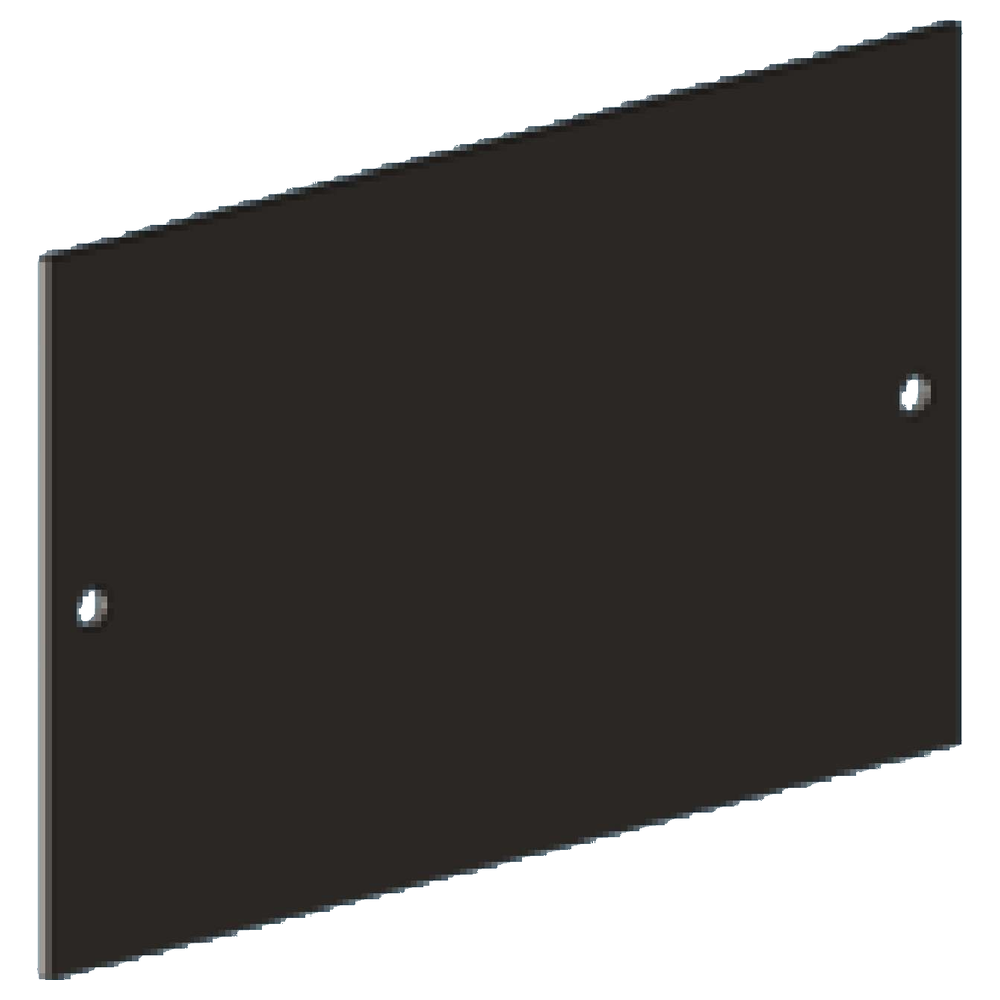
TIMIK (Canada) 19″ Cable Gland Plate A 155×84 – 19A CGPAB
This cable gland plate is a choice to investigate when a rack requires a defined cable-entry opening. Check the listed opening size against the actual cable bundle and the gland or fitting selected for the installation. Confirm the panel’s rack compatibility, fixing method, finish, and whether the required accessories are included. Review clearance behind the plate before routing cables, particularly when a cabinet is close to a wall or another rack.
TIMIK (Canada) 19″ Front plate Steel with Brush & Back Wire Guide 1U – 19A 19FPSBW1U
A 1U brush front plate with a rear wire guide combines a cable pass-through with support behind the opening. It may suit layouts where patch leads need to cross a rack boundary without hanging freely. Confirm the 1U height and mounting width, then check that the rear guide has room for the cable bend radius and bundle. Plan the cable route before fastening the panel so the guide aligns with the intended path.
TIMIK (Canada) Power Panel Vertical Mount 12 way No S/O 40U – 19A PPV40U
A vertical power panel is a different kind of rack accessory from a passive cable-entry plate. Its listed configuration should be checked against the power design, available vertical mounting space, supply, connected equipment, and required protection. The product name indicates a 12-way panel without S/O; verify the exact configuration and electrical details in the current product specification before procurement. Have a qualified electrician confirm suitability, load planning, earthing, and installation procedures.
Check material, finish, and maintenance access
Steel panels can provide a sturdy surface, while other products may use different materials for a particular opening or application. Match construction and finish to the cabinet environment, expected handling, and corrosion exposure. Check whether edges are finished to protect cable jackets and whether the panel can be removed without disturbing adjacent equipment.
Think about future changes as well as the first installation. Label cable routes, leave space for additional connections, and avoid covering fasteners or service points that technicians will need later. Inspect brush strips and cable supports during routine maintenance; replace damaged parts that no longer guide cables effectively. Keep a record of the panel model and any compatible fittings used.
Common selection mistakes to avoid
- Ordering by “19-inch” alone without checking U height, cut-out size, depth, and fixing positions.
- Choosing a brush or gland opening before counting cables and checking their diameters and bend radii.
- Routing power and data cables together without considering equipment instructions and electrical separation requirements.
- Covering an airflow path or blocking access to a service point with a solid plate.
- Assuming a power panel’s name confirms its electrical ratings, accessories, or suitability for a specific site.
- Filling every opening so tightly that later maintenance requires disconnecting neighboring equipment.
Buying checklist for rack panels in Sri Lanka
Before ordering, record the rack type, usable mounting width, available U space, panel depth, opening dimensions, and required fasteners. Count and classify the cables, note the cable diameters, and sketch the route from entry point to equipment. Confirm whether the panel is passive or carries power, what accessories are supplied, and which items must be sourced separately. For powered equipment, share the site supply and load requirements with a qualified installer.
Also check delivery and installation constraints. Make sure the panel can be moved into the equipment room, fitted through the cabinet door, and serviced after nearby equipment is installed. If the rack is part of a structured cabling or data-center environment, have the design reviewed with the facilities and network teams before changing airflow, segregation, or containment.
Frequently asked questions
Can a brush panel replace a cable gland plate?
Not automatically. A brush panel is designed to let flexible cables pass through a brush-lined opening. A gland plate provides a different, more defined cable-entry arrangement. Choose according to the cable type, opening, fittings, and installation requirements.
Should every unused rack space be covered?
Not in every cabinet. Blanking can help organize airflow, but follow the cabinet and equipment cooling design. Check the airflow path and temperature after making changes.
Does a 19-inch panel fit every server rack?
No. Confirm the frame standard, mounting pattern, height, depth, openings, and clearances for the actual cabinet. Product specifications and cabinet drawings should guide the final selection.
Can I install a vertical power panel myself?
Electrical work should be planned and checked by a qualified electrician. Confirm ratings, protective devices, supply, load, earthing, and local requirements before installation.
A well-matched panel keeps cable entry deliberate, supports service access, and fits the cabinet’s airflow plan. Compare measurements and installation details against your rack before selecting the most suitable option.
Complete your rack installation
Network and Server Racks · Rack Power Distribution Units · Rack Shelves and Equipment Supports · Rack Cable Management · Rackmount Online UPS Systems
Check cabinet depth, mounting, equipment load and electrical connections for each component.

