
UPS battery support · Richcom Technology
Plan battery service for your UPS
If your UPS gives less backup time than expected, tell us its full model, the equipment connected to it and any displayed alarm. Request an assessment before selecting batteries, because the UPS capacity alone does not identify the correct battery arrangement.
Request an AppointmentYour preferred visit time needs confirmation.
- Tell us about the fault
Share the model and symptoms in the form below.
- Confirm your appointment
Submit a preferred date and time for confirmation.
- Approve the quoted work
Charges are quoted after assessment. Work needs your approval.
Compare an online UPS with a line-interactive model by how your equipment responds to a power interruption. Two units with the same VA rating can use different technologies and offer different operating behaviour. Compare the exact model specifications as well as the price.
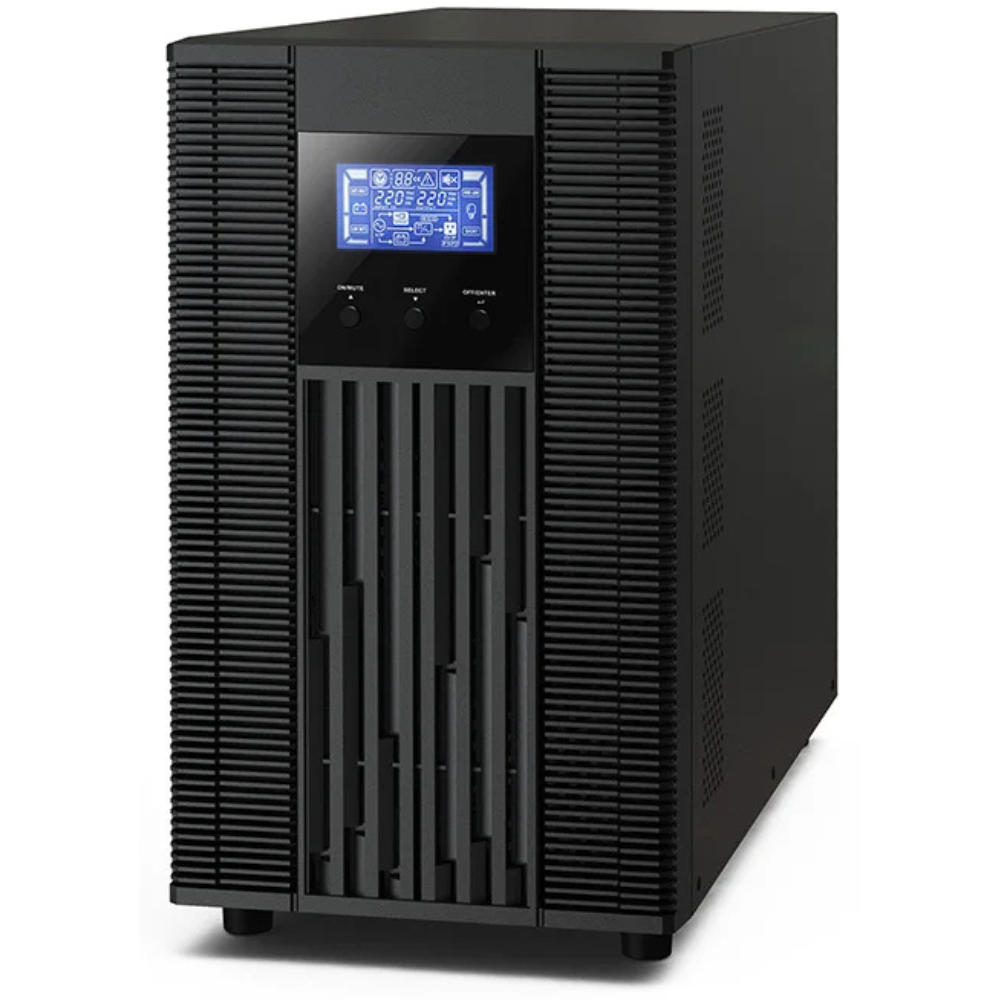
Online vs line-interactive UPS: operating differences
Standby: normally supplies equipment from mains and switches to its inverter and battery when needed. Line-interactive: adds voltage regulation that can correct some input variations without using the battery. Both have a transfer interval; check its specification against the load.
Online double-conversion: converts incoming AC to DC and then back to AC through the inverter. In normal double-conversion operation, the transition to battery has no transfer interruption. This does not mean that the battery is continuously discharging when mains is healthy.
Online UPS waveform and operating mode
Do not assume that every line-interactive model supplies a pure sine wave on battery. Verify waveform, transfer time, and equipment compatibility. Bypass and economy modes have different behaviour from normal double-conversion operation; read the model manual.
Questions to put on your shortlist
For an online UPS, ask whether the proposal identifies the exact model, its operating mode, battery-mode waveform and rated watt output. Also compare fan noise, physical size, monitoring options and battery replacement arrangements. For an occupied office, ask where the unit will sit and whether its normal fan operation suits the room.
For a fair comparison, give each supplier the same equipment list and backup-time requirement. A price comparison between different battery configurations will not tell you which proposal meets your needs.
Online UPS: enquiry checklist
Request a UPS quotation from Richcom with your equipment list, required backup time and installation details.
Return to the UPS Buying Guide in Sri Lanka.
Technical references
Eaton: choosing a UPS topology
Compare UPS operation under the same conditions
Finally, ask the supplier to state the operating mode used for each performance claim. Compare normal operation and any economy setting separately. That way, the shortlist reflects the conditions under which your equipment will actually run.
Plan your UPS and Original batteries
UPS Systems · Original UPS Batteries · UPS Battery Backup Time Guide · Original UPS Battery Compatibility Guide
Match batteries to the exact UPS model, DC voltage, dimensions and supported configuration.
Request an Appointment
UPS battery and backup assessment
Repair charges will be quoted after assessment. Work begins after your approval. Your preferred visit needs confirmation.