
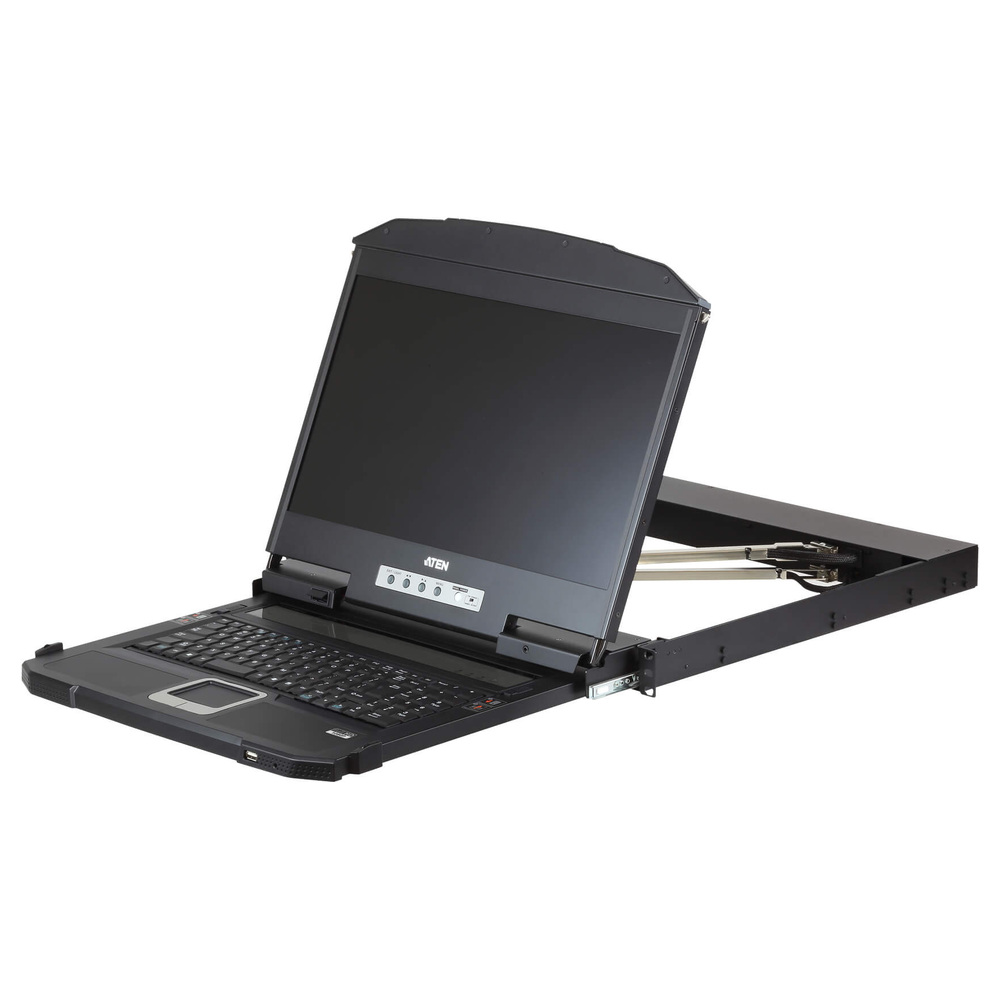
Comparing KVM Console prices in Sri Lanka starts with the rack, the computer interface and the way technicians work. A rack console combines a screen, keyboard and pointing device in a sliding assembly. Therefore, it can reduce the need for a separate desk beside the cabinet. However, a console does not automatically provide switching between several computers. Confirm that requirement separately before ordering.
This guide compares three ATEN consoles from the current category. First, check the interface presented by the server or existing KVM switch. Then measure the rack mounting arrangement and available working space. Finally, choose the screen and rail layout that suit the task. Confirm current availability, accessories and warranty in the listing before committing to the installation.
KVM Console prices in Sri Lanka: start with the connection
Identify whether the system presents VGA, HDMI or DVI video, together with the required keyboard and mouse interface. A console must match that connection or use a documented compatible arrangement. Avoid assuming that an adapter will solve every mismatch. Conversion direction, video timing and boot-time control all need checking, especially when technicians depend on the console for recovery work.
Also distinguish a console from a multi-port LCD KVM switch. These product names describe consoles, so check how many computer connections the actual model supports. If several servers must share it, verify the separate switching equipment and the console connection on that switch. This prevents a purchase that provides a useful screen but cannot select the required machines.
ATEN (Taiwan) 17-Inch Single Rail VGA LCD KVM Console – CL1000M (3Y)
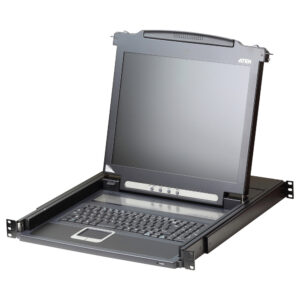
The CL1000M is the 17-inch single-rail VGA choice in this comparison. It suits an installation that already presents a supported VGA connection and benefits from a compact rack console. ATEN identifies the CL1000M screen size in its selection information. Check the detailed console interface and panel timing before deciding that it matches the existing server or KVM switch.
A practical application is local administration in a cabinet where the equipment uses VGA and technicians need occasional direct access. In that setting, matching the existing interface may matter more than adding a new digital connection. Nevertheless, check that text remains clear at the chosen mode. Test firmware setup and recovery screens as well as the normal operating-system desktop.
The single-rail arrangement means the console assembly moves as one working unit. Consider the space in front of the rack when it is extended. Also inspect the mounting-kit requirements and cabinet depth. A screen that fits the visible rack opening can still have an unsuitable rail or mounting range. Measure the actual front and rear mounting positions before ordering.
ATEN (Taiwan) 18.5-Inch Full HD Single Rail HDMI LCD Console – CL3700NW (3Y)
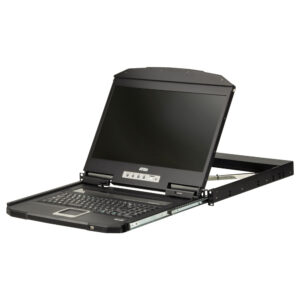
The CL3700NW is the 18.5-inch Full HD single-rail HDMI option. ATEN distinguishes its HDMI and USB console interface from the other console families. It is relevant when the connected computer or KVM system exposes the supported HDMI arrangement. Confirm the exact NW variant, because similar family names can refer to screens with different native resolutions.
For example, a cabinet serving an HDMI-equipped management system may benefit from a direct digital console connection. However, an HDMI port alone does not establish keyboard and mouse compatibility. Check the USB connection and any required supplied cable. Then test startup access, special keys and the pointing device. A complete administrative workflow matters more than a successful picture alone.
This model retains a single-rail layout, so assess the working position with the assembly extended. Leave enough room for the operator and nearby cabinet doors. In addition, check where power and cables will run as the console moves. Avoid tight bends or strain on connectors. These practical checks help the installation remain serviceable after the initial mounting work.
ATEN (Taiwan) 18.5-Inch Full HD Dual Rail HDMI DVI VGA LCD Console – CL3800NW (3Y)
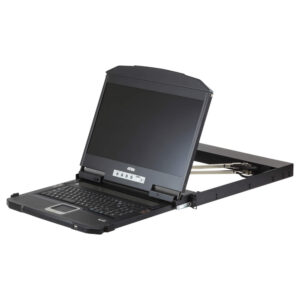
The CL3800NW is the more flexible console in this comparison, combining an 18.5-inch Full HD screen with a dual-rail layout and HDMI, DVI and VGA interface options. ATEN documents the interface distinction between this family and the single-rail HDMI family. Those options deserve consideration when a rack environment needs a broader connection choice or a different screen-and-keyboard working arrangement.
Dual rails allow the screen and keyboard sections to operate with more independence than a single combined sliding assembly. This may suit technicians who want the screen visible while the keyboard section is stored. However, confirm the actual movement and clearance requirements in the manual. The cabinet must still accommodate the mounting hardware, cables and normal operator access.
Treat the additional interfaces as supported alternatives to verify, rather than assuming every connected system will work automatically. Check the required video mode and keyboard-and-mouse path for the chosen connection. Also confirm the exact model suffix and accessories in the supplied package. A premium console is useful when its documented flexibility solves a real installation requirement.
Measure the rack before buying a KVM console
Record rack width, mounting depth, available rack units and the distance between front and rear mounting points. Also inspect obstructions behind the proposed position. Power distribution units and cable bundles can reduce useful space. Therefore, compare the cabinet measurements with the console and rack-kit specifications. Do not rely on the cabinet’s nominal external depth as the only measurement.
Plan the operator’s working space as well. A sliding console needs room in front of the rack and a suitable viewing position. Check adjacent cabinets, door movement and access routes. In addition, ensure cables can move without snagging when the assembly extends or retracts. A well-planned location makes routine maintenance easier and reduces accidental strain on connectors.
Install and test the console safely
Follow the exact rack-mount instructions and use the required support during installation. Keep heavy equipment properly secured and avoid improvising mounting hardware. First, test the console connection with the intended system. Then mount it according to the supplied instructions and check the full rail movement. Finally, repeat the operating checks with the installed cable arrangement.
For the widescreen models, use ATEN’s official widescreen LCD console manual as the model-specific reference. It describes the console families and installation requirements. Apply the instructions for the exact variant and rack kit supplied. Keep the manual and working connection details with the cabinet record, so that future technicians can service the installation without guessing the original configuration.
Avoid common KVM console purchasing mistakes
One common mistake is assuming a console includes a multi-server switch. Another is choosing by screen size while ignoring the video and USB interfaces. Also avoid overlooking the model suffix, rail arrangement or mounting range. Finally, test access during boot. A console that works only after the desktop loads may not meet the recovery tasks that motivated the purchase.
Maintain the console and plan future changes
Keep rails, accessible connectors and ventilation in good condition according to the manual. Inspect cable movement and strain relief periodically. If a picture or input problem appears, check the selected source, connection and documented video mode first. Then isolate the console and KVM switch with a known-good compatible arrangement. Change one component at a time to identify the cause.
Comparing KVM Console prices in Sri Lanka becomes simpler once the cabinet and interface requirements are clear. Choose the VGA single-rail model for a suitable legacy connection, the HDMI single-rail option for a supported digital system, or the dual-rail model when its interface flexibility and working arrangement are useful. Confirm the current package, then test the complete administration workflow before handover.
Plan your KVM connections
ATEN KVM Adapters · KVM Adapter Selection Guide
Match the computer interface and exact KVM model. Cat 5 KVM links are separate from ordinary Ethernet connections.

