
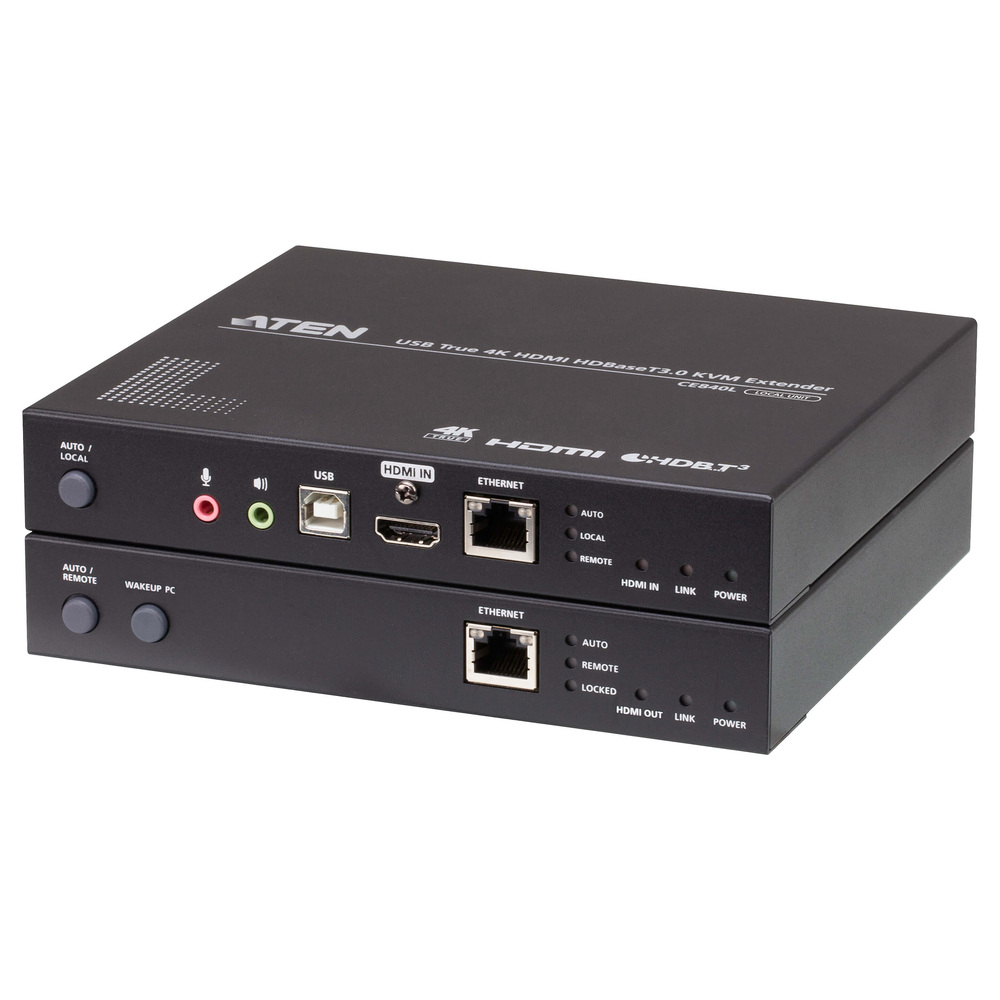
Comparing KVM Extender prices in Sri Lanka starts with the location of the computer and the operator’s desk. A KVM extender carries the supported video and input-device connections between those positions. Therefore, it can let a computer stay in a cabinet while the user works elsewhere. However, the right model depends on the interface, picture timing, peripherals and installed cable route.
This guide compares three ATEN options with different capabilities. First, identify the computer’s video output and the remote display input. Then measure the actual route and record the keyboard, mouse, audio and other device requirements. Finally, check the complete kit and power arrangements. Confirm availability and warranty in the current listing before approving the installation.
KVM Extender prices in Sri Lanka: specify the signal and distance
Measure the route through walls, ceilings and cabinets rather than the straight-line distance between desks. Include short leads and service access. Next, specify resolution and refresh rate together. Maximum distance often relates to a particular timing, so a long-distance label does not guarantee the highest supported resolution at the end of that route.
Also separate keyboard-and-mouse support from general USB peripheral extension. A product that handles those input devices may not support every storage device, touchscreen or specialist peripheral. Check the required USB functions explicitly. Similarly, audio and serial connections need model-specific support. Write down the actual devices and tasks so that the comparison reflects the complete workstation.
ATEN (Taiwan) USB VGA Mini Cat 5 KVM Extender – 100 m – CE-100 (3Y)
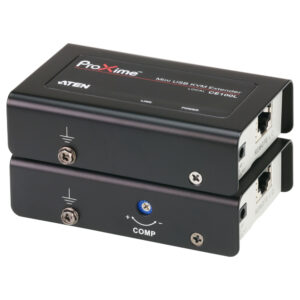
The CE-100 is the compact VGA and USB option in this comparison. ATEN documents extension up to 100 m over the supported Cat 5e link, with resolution changing according to distance. Its published examples include 1920 by 1200 at 30 m and 1280 by 1024 at 100 m. Therefore, select the required timing before using the headline distance.
A suitable application is a simple remote workstation that uses VGA video and USB keyboard-and-mouse connections. For example, the computer may stay in a cabinet while the operator uses a nearby desk. However, confirm the exact peripheral support and power position. A compact unit remains useful only when the supplied arrangement matches the actual equipment at both ends.
The model’s video compensation needs attention during setup. Test fine text as well as ordinary images and adjust according to the manual. Also use the specified cable and termination. Do not assume an old network cable run will perform adequately because it has the correct connector. A known-good test route provides a helpful baseline before the final installation.
ATEN (Taiwan) USB VGA Audio RS-232 Cat 5 KVM Extender – 200 m – CE750A (3Y)
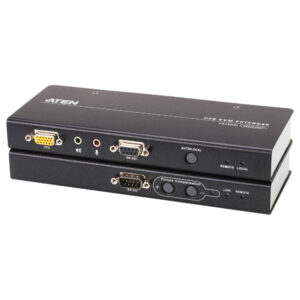
The CE750A is the longer-route VGA option with audio and RS-232 functions. ATEN documents local and remote console operation and a supported Cat 5e link up to 200 m. Its resolution examples vary with distance, including 1280 by 1024 at 200 m. Therefore, the maximum distance and maximum picture timing should not be treated as a single unrestricted specification.
Consider it when a workstation needs the documented VGA, keyboard, mouse, audio or serial arrangement over a suitable route. For instance, an operator may need access away from the computer’s cabinet. Check the actual serial device and required connection details before specifying that function. The presence of an RS-232 port does not establish compatibility with every serial application.
Local and remote operation also requires a clear control workflow. Decide who will operate the computer at each position and test the supported handover behaviour. In addition, plan the audio connections and power access. Keep the installed settings with the support record. This helps technicians restore a working arrangement after a cable change or workstation replacement.
ATEN (Taiwan) USB True 4K HDMI HDBaseT 3.0 KVM Extender – CE840 (3Y)
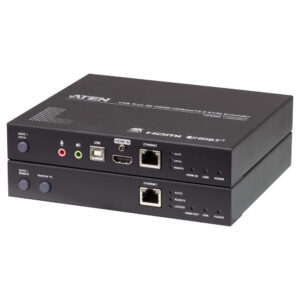
The CE840 is the advanced HDMI option in this comparison. ATEN identifies it as an HDBaseT 3.0 extender supporting 4K at 60 Hz with 4:4:4 colour sampling over its documented 100 m arrangement. This deserves consideration when the workstation needs that higher picture format. However, check the exact cable conditions and complete connection requirements before specifying the route.
A demanding desktop or control workstation may benefit from a higher-resolution HDMI link. Fine text and detailed visual content make the supported colour format relevant as well as resolution. Nevertheless, confirm the actual source and display timing together. The extender cannot make an unsupported computer output or display input compatible simply by offering a capable link between them.
Also verify the USB functions required by the workstation. Do not assume every peripheral will operate because the product name includes USB. Test the actual keyboard, mouse and any additional device with the intended computer. Finally, confirm local-console needs and the supplied transmitter-and-receiver package. A high-end extender is most useful when its documented capabilities meet a clear operational requirement.
Check KVM extender compatibility across the workstation
VGA, HDMI and DisplayPort are different video interfaces. Where possible, choose a direct match between the source, extender and display. If conversion is necessary, check direction, timing and power for the converter as well. Each added component creates another possible failure point. Test the complete chain before assuming the installed workstation will behave like a direct cable connection.
Also distinguish a dedicated Cat cable link from ordinary Ethernet networking. Similar RJ45 connectors do not establish network-switch compatibility. Follow the manufacturer’s supported topology and avoid inserting general network equipment without explicit documentation. Check whether the units require a direct cable arrangement and whether patch panels or couplers affect the supported installation.
Install and test before concealing the cables
Begin with a bench test using the intended computer, display and peripherals. Confirm the picture, keyboard and mouse with short known-good leads. Next, add the installed route and repeat the checks at the planned resolution. Also test startup, sleep and restart behaviour. Finally, test the optional audio, serial and USB functions that the workstation actually needs.
For the VGA audio model, consult ATEN’s official CE750A manual as the specific installation reference. It explains the supported connection and operating arrangement. Apply the manual for the exact equipment supplied. Label transmitter and receiver positions, leave power accessible and protect connectors from strain. A clear installation record reduces the time required to recover from future changes.
Avoid common KVM extender purchasing mistakes
One mistake is buying by maximum distance while overlooking the associated picture mode. Another is confusing keyboard-and-mouse extension with unrestricted USB support. Also avoid assuming all HDBaseT products interoperate automatically. Confirm the actual pair or compatibility information. Finally, check kit contents. A receiver-only component or missing power accessory can prevent the planned system from operating.
Maintain the link and choose a realistic upgrade
Record the model, cable route, source timing and required peripheral settings. Inspect accessible leads and ventilation periodically. If a fault develops, test the source and display directly where practical, then isolate the installed link with known-good cables. Restore documented settings before replacing equipment. Change one component at a time so that the test identifies the underlying cause.
Comparing KVM Extender prices in Sri Lanka is easier once the workstation’s interface, timing and route are clear. Choose the compact VGA model for a supported simple setup, the longer-route VGA option for its documented audio and serial functions, or the advanced HDMI model for a suitable high-resolution requirement. Confirm current accessories, then test the complete workflow before handover.
Plan your KVM connections
ATEN KVM Adapters · KVM Adapter Selection Guide
Match the computer interface and exact KVM model. Cat 5 KVM links are separate from ordinary Ethernet connections.

