
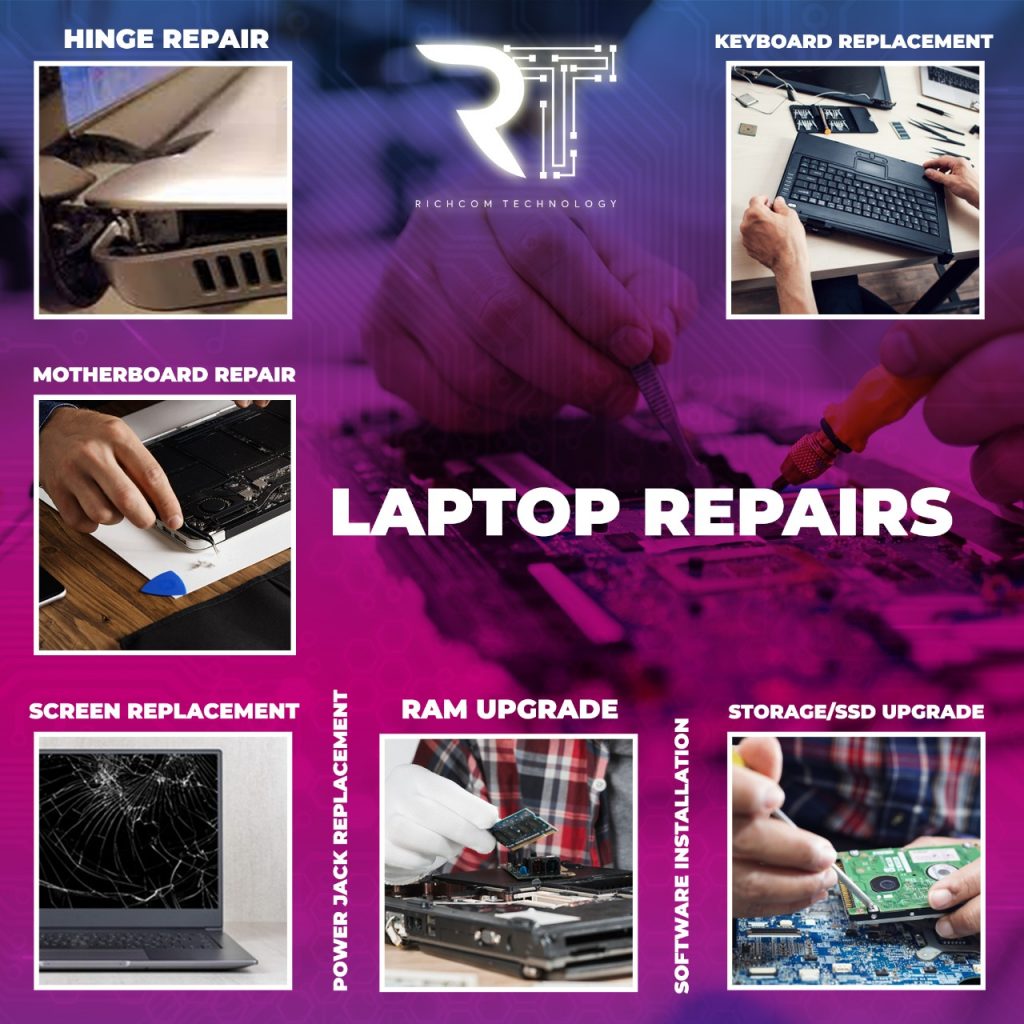
Laptop service · Richcom Technology
Turn a laptop problem into a clear repair request
You do not need a technical diagnosis to ask for help with your laptop. Tell us what you see: perhaps it will not switch on, the screen is damaged or the battery no longer lasts. Include when the problem started and whether anything changed beforehand.
Request an Appointment ↗Your preferred visit time needs confirmation.
- 01Tell us about the fault
Share the model and symptoms in the form below.
- 02Confirm your appointment
Submit a preferred date and time for confirmation.
- 03Approve the quoted work
Charges are quoted after assessment. Work needs your approval.
Author: Shantha · Last updated: 3 October 2026
For laptop repair in Sri Lanka, document the exact model, fault symptoms and troubleshooting already attempted before asking for a diagnosis.
Laptop repair in Sri Lanka: How should I arrange a laptop repair?
Record the laptop make and exact model, describe the fault and back up important files if the device still works. Ask for a diagnosis, repair estimate, parts and turnaround before approving the work; confirm data handling and repair warranty with the service provider.
For more information, see the linked published guide. Confirm current models, pricing, stock and warranty with Richcom before ordering.
What should I prepare before service?
Write down the symptoms, error messages, when they occur and any recent impact or liquid exposure. Bring the charger if the fault involves power or charging. Back up data and remove account access when possible.
What should I ask before approving a repair?
Ask what diagnosis is needed, whether parts are available, what the estimate covers, how long repair may take, and what warranty applies to the repair. Confirm how your data and passwords will be handled.
When should I stop using the laptop?
Stop and seek qualified service if the battery swells, the device overheats severely, liquid enters the system, or you smell burning. Do not puncture or press on a swollen battery.
For advice based on your exact model and requirements, contact Richcom Technology or email [email protected].
Frequently asked questions
Yes, when the laptop still works. Back up important files and sign out of sensitive accounts where practical.
Ask whether access is necessary and whether a limited account or supervised test can be used. Never share passwords in an unsecured message.
Use a charger that matches the laptop manufacturer’s voltage, connector and power requirements.
Turnaround depends on the fault, diagnosis and parts availability. Ask for an estimate from the service provider.
Find Original laptop parts
Original Laptop Displays · Original Laptop Batteries · Original Laptop Keyboards · Original Laptop Adapters · Original Laptop Cooling Fans
Choose the exact laptop model and confirm part compatibility before ordering.
Request an Appointment
laptop repair
Repair charges will be quoted after assessment. Work begins after your approval. Your preferred visit needs confirmation.

