
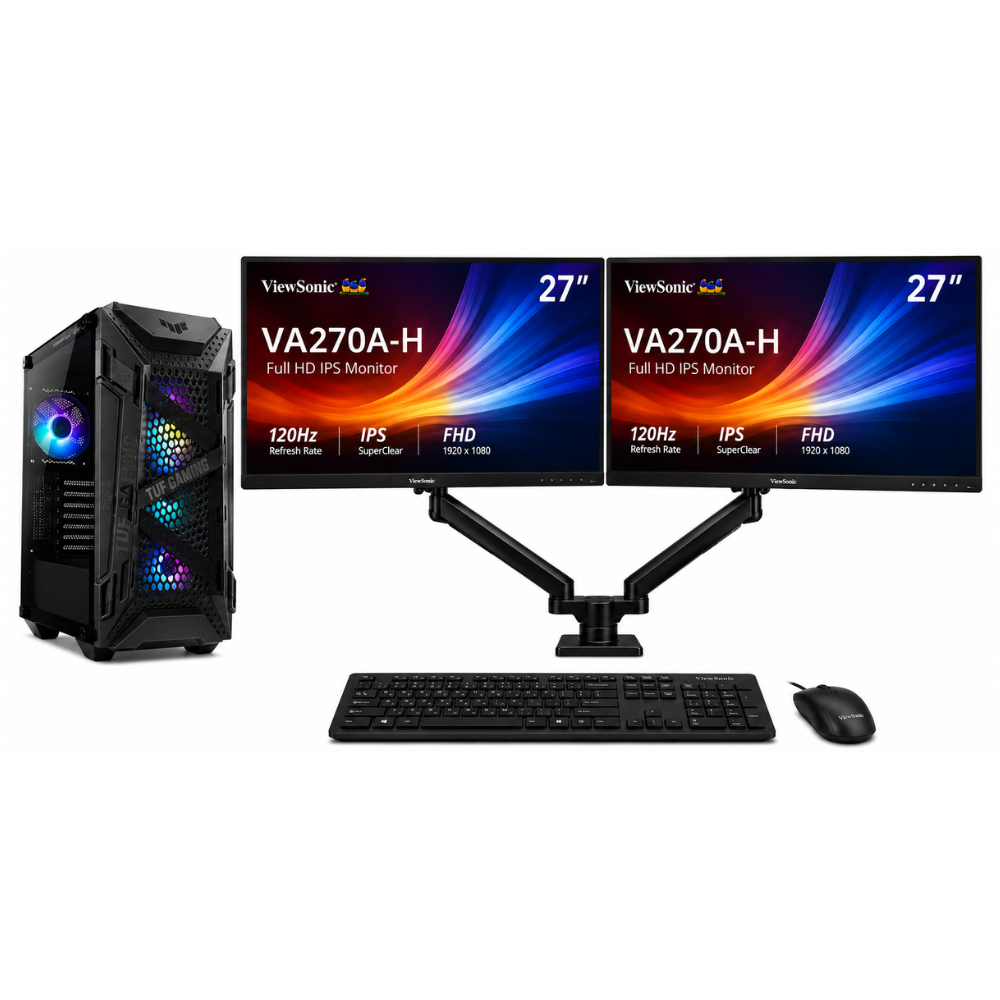
Author: Shantha · Last updated: 3 October 2026
Choose software development desktop computers by checking IDEs, build workloads, memory, storage, container and virtual-machine needs.
Software development desktop computers: What desktop should I choose for software development?
Choose a development desktop based on the languages, IDEs, builds, containers and virtual machines you use. A responsive processor, adequate RAM and SSD storage are useful starting points, but check your tools’ current system requirements and the memory needs of your projects.
For more information, see the linked published guide. Confirm current models, pricing, stock and warranty with Richcom before ordering.
How much memory does a developer need?
Consider the number of IDEs, browser tabs, containers, databases and virtual machines you run together. Compare this workload with the computer’s installed RAM and whether memory can be expanded.
Which processor and storage matter?
Build times and local services depend on the project and toolchain. Review software requirements, processor performance and SSD capacity, then leave room for source code, dependencies and test data.
What should a team confirm before purchasing?
Standardize the operating system, memory, storage, network connections and warranty around your development stack. For virtual machines or local AI workloads, check those tools’ specific CPU, memory and GPU needs.
For advice based on your exact model and requirements, contact Richcom Technology or email [email protected].
Frequently asked questions
It can be suitable for many development tasks, but performance depends on the exact processor, project size, parallel builds and virtual-machine workload.
Choose based on the combined memory needs of your IDE, containers, browser, local services and virtual machines. Check whether upgrades are supported.
Many coding workflows do not require a high-end discrete GPU, but graphics, machine-learning and GPU-compute tools may have specific requirements.
An SSD provides responsive storage for operating systems, applications and project files. Select sufficient capacity and maintain backups.

