
UPS battery support · Richcom Technology
Plan battery service for your UPS
Whether you are reviewing backup time or planning battery work, start with the exact UPS model and the load it supports. Tell us your required runtime and any battery warnings. The proposed configuration needs to match the system and its charging requirements.
Request an AppointmentYour preferred visit time needs confirmation.
- Tell us about the fault
Share the model and symptoms in the form below.
- Confirm your appointment
Submit a preferred date and time for confirmation.
- Approve the quoted work
Charges are quoted after assessment. Work needs your approval.
UPS sizing starts with the equipment load, measured in watts and VA. Capacity and backup time are separate decisions: first check that the load fits, then check how long the battery configuration can support it.
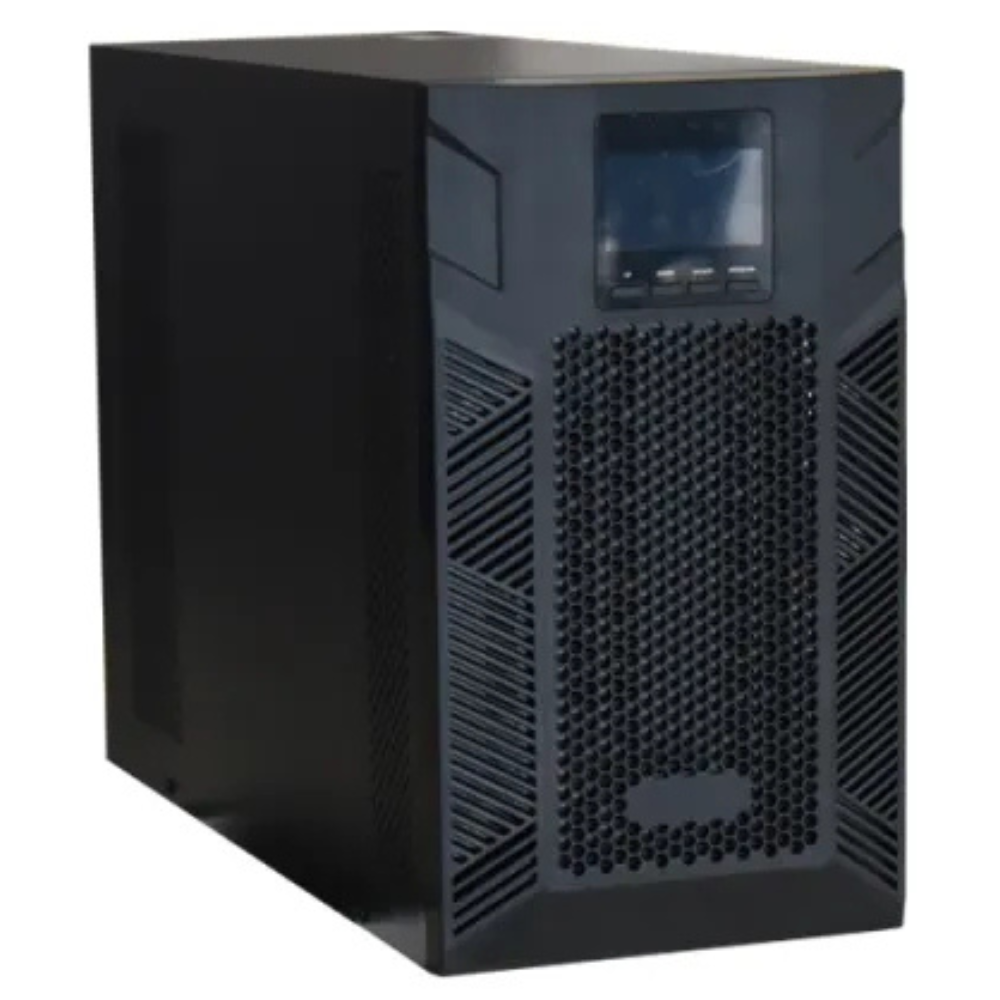
UPS sizing: understand the two ratings
Watts describe real power; VA describes apparent power. For a load with a known power factor, VA = watts ÷ power factor. Keep the total load within both the UPS watt rating and its VA rating. Do not use the UPS output-rating ratio as a substitute for the connected equipment’s power factor.
A worked UPS sizing example
Suppose your equipment totals 480 W and 600 VA. If you choose a 25% growth allowance for this project, the planning figures become 600 W and 750 VA. This allowance is an example, not a universal manufacturer requirement. Select a unit that meets both figures and the separate runtime requirement.
A proposed 1000 VA / 600 W unit would have no further watt margin above that planning figure. A larger model may be appropriate if future loads, starting demands or the manufacturer’s recommendations require it.
Build a useful load schedule
For UPS sizing, record each device’s model, quantity, watts or VA, and whether it needs backup. Note whether the figures are measured or taken from a specification. Check the complete operating scenario rather than relying only on idle consumption.
Separate equipment needed for a controlled shutdown from equipment that must stay on throughout an outage. Give Richcom both lists, your expected additions and the proposed installation location. That makes it easier to compare proposals consistently.
UPS sizing: enquiry checklist
Request a UPS quotation from Richcom with your equipment list, required backup time and installation details.
Return to the UPS Buying Guide in Sri Lanka.
Technical references
Review UPS sizing when the load changes
After adding equipment, update the load schedule and check the runtime requirement again. For example, a new storage device can change both the total demand and the services that need backup.
Plan your UPS and Original batteries
UPS Systems · Original UPS Batteries · UPS Battery Backup Time Guide · Original UPS Battery Compatibility Guide
Match batteries to the exact UPS model, DC voltage, dimensions and supported configuration.
Request an Appointment
UPS battery and backup assessment
Repair charges will be quoted after assessment. Work begins after your approval. Your preferred visit needs confirmation.