Author: Shantha · Last updated: 3 October 2026
Choose video editing desktop computers by matching the editing software and footage to processor, memory, storage and graphics needs.
Video editing desktop computers: What desktop specs should I prioritize for video editing?
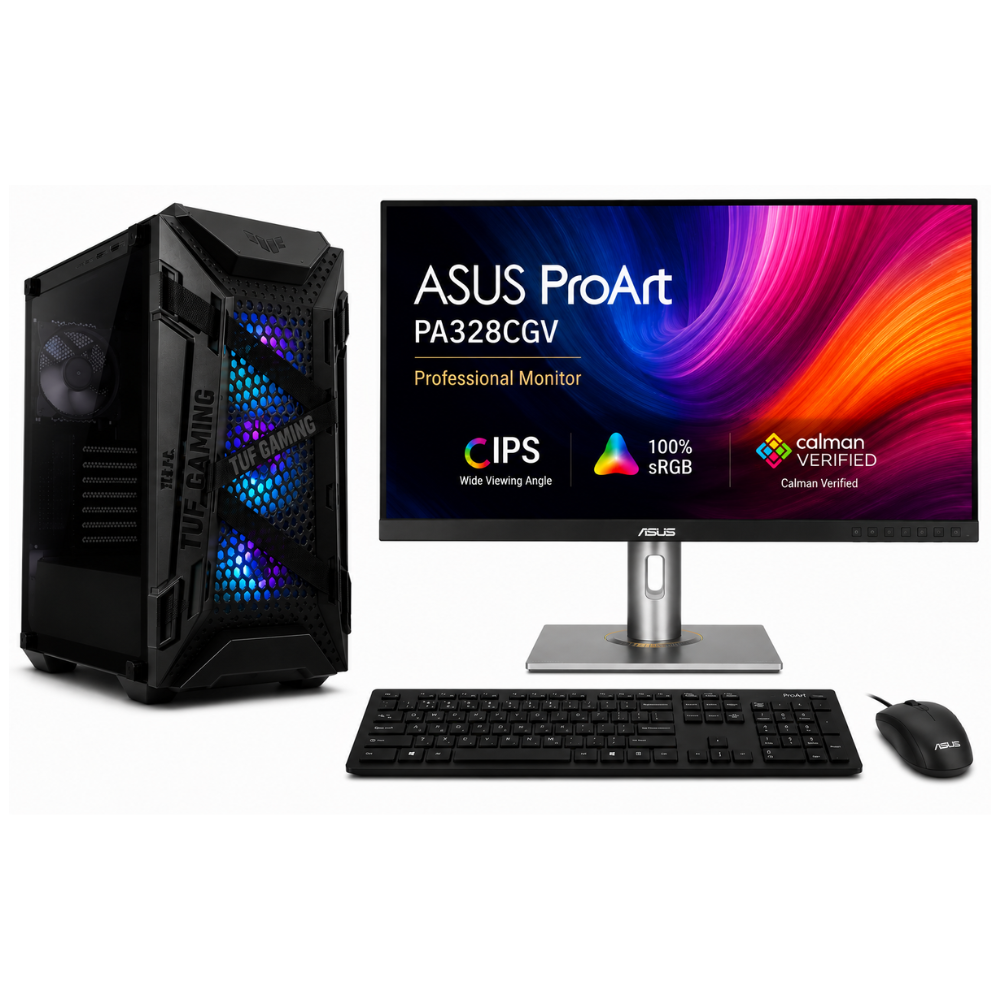
Choose a video editing desktop around the editing software’s recommended requirements and the footage you work with. Prioritize a capable processor, enough RAM, fast storage and a suitable graphics card when your editing software uses GPU acceleration. 4K footage and complex effects need more resources than basic HD edits.
For more information, see the linked published guide. Confirm current models, pricing, stock and warranty with Richcom before ordering.
How much RAM and storage do video editors need?
Use the editing application’s published system requirements as a baseline. Larger projects and high-resolution media benefit from more memory and fast working storage; allow separate capacity for source footage, exports and backups.
Do I need a dedicated graphics card?
It depends on the software, effects and codecs. Check the editor’s current GPU requirements and supported drivers before choosing a graphics card.
What should I check before ordering?
Confirm the exact CPU, memory, graphics card, SSD capacity, monitor and warranty in the quotation. Ask whether the configuration supports your editing software and footage format.
For advice based on your exact model and requirements, contact Richcom Technology or email [email protected].
Frequently asked questions
Some gaming components can suit editing, but compare the specific processor, graphics card, memory, storage and software requirements rather than relying on the label.
It depends on the application, footage resolution and project complexity. Follow the editing software’s current recommended requirements.
Fast storage can help with project and media workflows; check the software and workload requirements and keep a separate backup.
A desktop can offer different upgrade and cooling options; choose according to portability, workload, support and budget.