Author: Shantha · Last updated: 3 October 2026
Choose education desktop computers for the applications, users, classrooms, labs and support needs at the school.
Education desktop computers: How should a school or student choose a desktop computer?
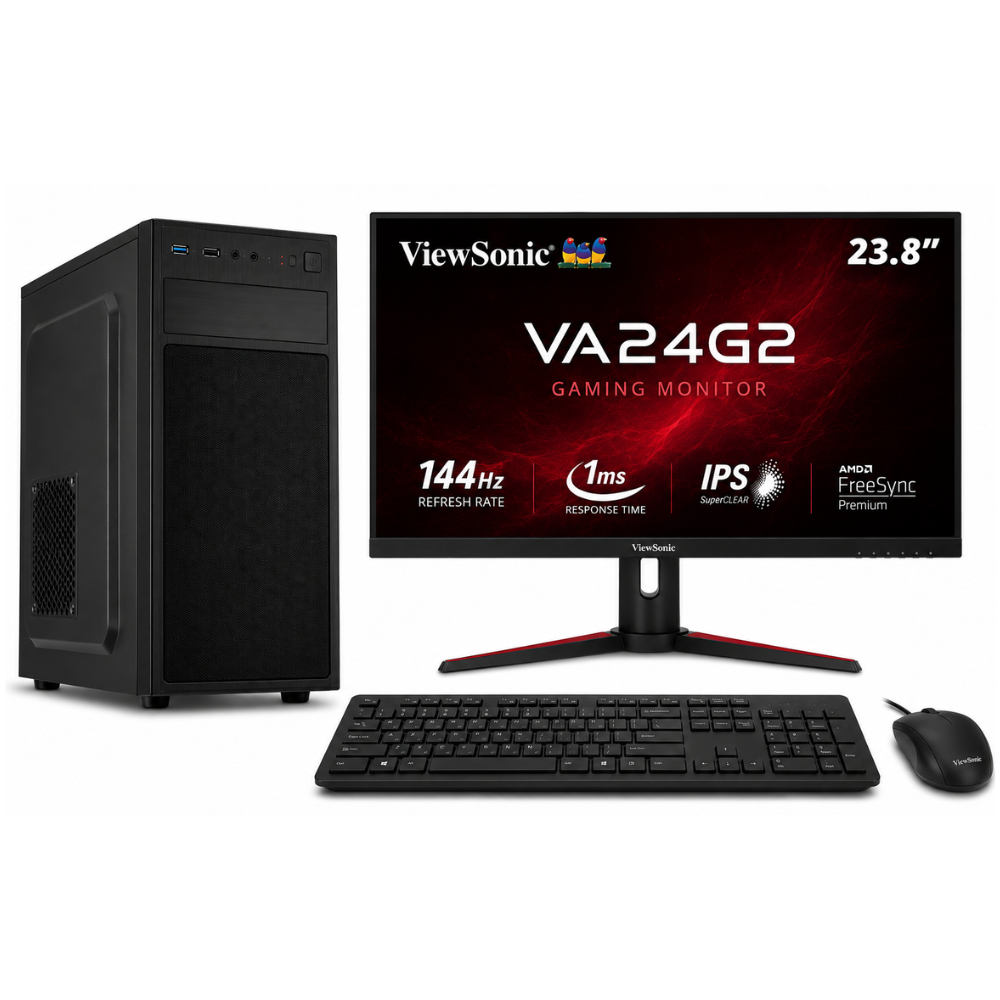
Choose an education desktop around the applications, users and setting: classroom lessons, office administration, computer labs or technical coursework. Check software requirements, connectivity, monitor and peripherals, support, warranty and the total cost of deploying and maintaining the devices.
For more information, see the linked published guide. Confirm current models, pricing, stock and warranty with Richcom before ordering.
What should a school computer lab consider?
Plan for the required applications, network access, desk space, power, user accounts, security updates and a consistent configuration. Include deployment and repair support when comparing costs.
What specs suit student work?
For browsing, documents and online learning, check the application requirements and select a responsive processor, sufficient memory and SSD storage. Specialized subjects may require stronger graphics or more memory.
What should institutions confirm before a bulk order?
Request the full component list, software licence details, warranty terms, delivery, setup support and replacement process. Test one representative system against the actual classroom workload when possible.
For advice based on your exact model and requirements, contact Richcom Technology or email [email protected].
Frequently asked questions
It can be if it meets the learning platform and application requirements and has the needed camera, audio and network connectivity.
A consistent configuration can simplify deployment and maintenance. Check whether different subjects need specialized systems.
Compare the full configuration, licensed software, warranty, support, delivery, deployment needs and total cost.
Ask the supplier which parts can be configured and obtain the final specification in the quotation.