
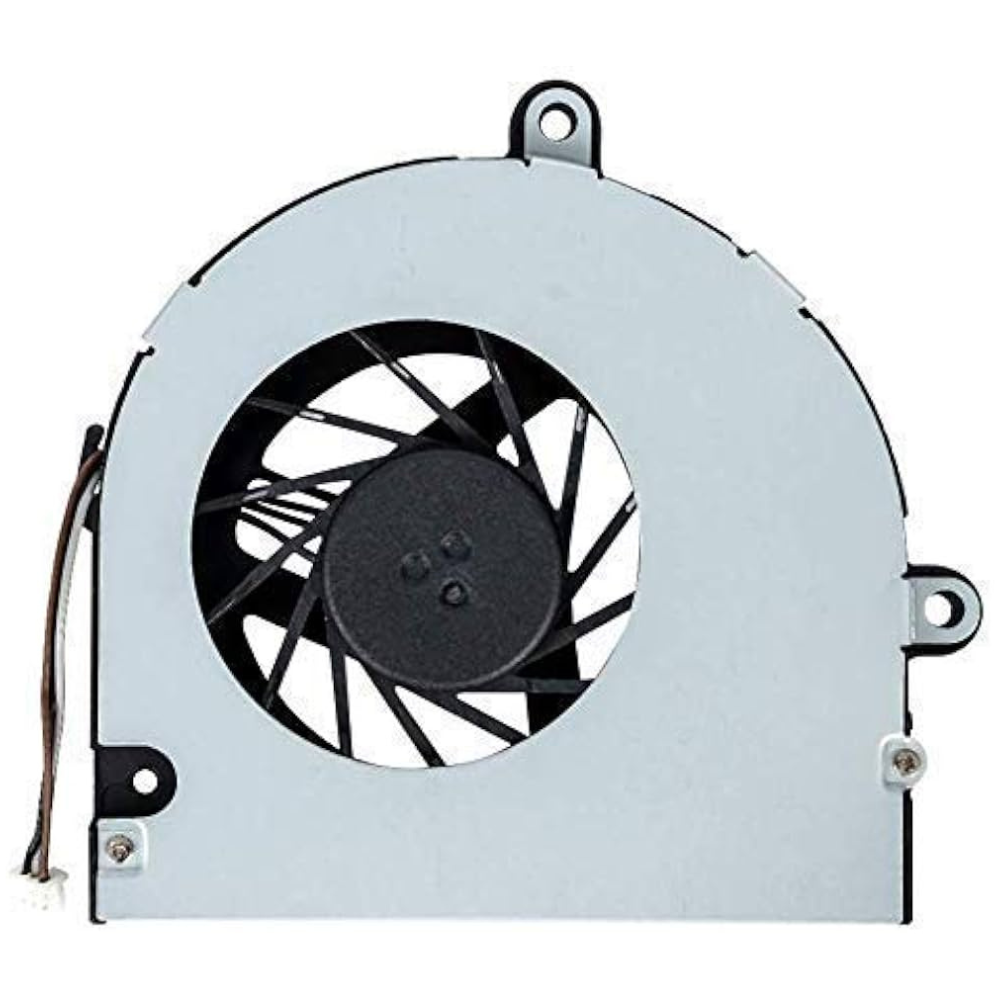
Laptop cooling support · Richcom Technology
Get cooling support for your Acer laptop
Unusual fan noise or shutdowns during use can be a reason to have your laptop assessed. Tell us when the problem happens and which tasks you are running. A cooling complaint should be reviewed before a fan is selected.
Request an AppointmentYour preferred visit time needs confirmation.
- Tell us about the fault
Share the model and symptoms in the form below.
- Confirm your appointment
Submit a preferred date and time for confirmation.
- Approve the quoted work
Charges are quoted after assessment. Work needs your approval.
The efficiency of laptop cooling systems, particularly the Acer Laptop Cooling Fan, plays a crucial role in maintaining the optimal performance of your device. A well-functioning cooling fan ensures proper airflow and heat dissipation, preventing potential damage caused by overheating.
However, understanding the intricacies of these cooling mechanisms and how to troubleshoot common issues can significantly impact the longevity of your laptop. Let’s delve into the importance of Acer Laptop Cooling Fans, how they operate, and essential maintenance tips to keep your device running smoothly.
Importance of Laptop Cooling Fans
Laptop cooling fans play a crucial role in maintaining the optimal operating temperatures of Acer laptops, such as the Aspire Vero AV15-51 series, to prevent overheating and ensure system performance and longevity. The Acer Aspire series, like many other laptops, relies on efficient Laptop CPU Cooling Fan systems to dissipate heat generated during operation.
By actively cooling the internal components, these fans help prevent thermal throttling, which can lead to decreased performance and potential hardware damage. Regular maintenance, such as cleaning and upgrading the cooling fan, is vital for enhancing its efficiency.
Upgrading to a new fan and applying thermal paste can not only improve cooling but also result in quieter fan operation and lower temperatures. Proper care and handling during any fan maintenance tasks are crucial to avoid inadvertently causing harm to the laptop.
How Acer Cooling Fans Work
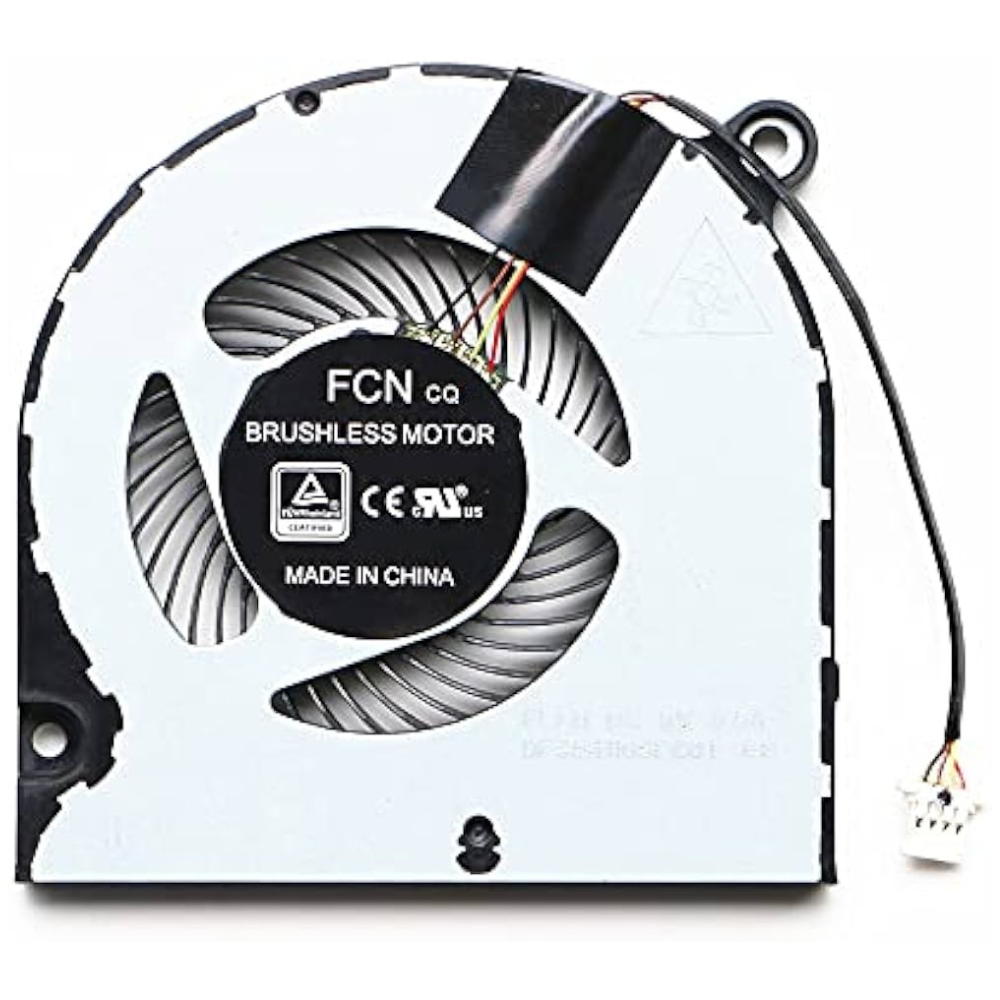
Efficiently circulating air to dissipate heat generated by the laptop’s components, Acer cooling fans play a crucial role in maintaining optimal operating temperatures.
Signs of Cooling Fan Issues
Common indicators of cooling fan issues in Acer laptops include overheating and unusually loud fan noise during operation. When the fan fails to cool the CPU effectively, the laptop may become hot to the touch, leading to reduced performance and potential damage to internal components.
The loud noise generated by the fan could indicate a buildup of dust and debris, hindering its operation. To address these issues, users can clean the fan using compressed air or seek professional maintenance. Proper maintenance, such as applying thermal paste and regular cleaning, can improve the fan’s efficiency and extend the laptop’s lifespan.
For detailed guidance on fan troubleshooting and replacement, referring to the laptop’s service manual is recommended.
Cleaning and Maintenance Tips
To optimize the performance and longevity of Acer laptops, implementing regular cleaning and maintenance practices for the cooling fan is essential. Proper care can prevent overheating issues and maintain the fan’s efficiency.
Here are some cleaning and maintenance tips for Acer laptop cooling fans:
Troubleshooting Overheating Problems
Regularly maintaining and cleaning the Acer laptop cooling fan is integral to addressing overheating problems, ensuring optimal performance and longevity of the device. When troubleshooting overheating problems, consider upgrading the fan and applying new thermal paste, especially in models like the Predator Helios and Aspire E series. Cleaning with compressed air may provide temporary relief, but thorough cleaning, disassembly, and proper application of thermal paste are recommended for enhanced cooling efficiency. Proper maintenance, including cleaning heatsinks, is crucial to prevent overheating and noisy fan operation. Following disassembly precautions and referencing service manuals are essential for effective troubleshooting of cooling fan problems in Acer laptops.
| Recommendations | Models | Actions |
| Upgrade fan and apply thermal paste | Predator Helios, Aspire E | Enhance cooling efficiency |
| Cleaning with compressed air | All Acer models | Temporary relief for overheating and fan noise |
| Thorough cleaning and disassembly | All Acer models | Ensure optimal cooling efficiency |
Conclusion
In conclusion, the Acer Laptop Cooling Fan plays a crucial role in maintaining the optimal performance and longevity of Acer laptops by preventing overheating and ensuring efficient cooling.
By understanding how these cooling fans work, recognizing signs of issues, and implementing proper cleaning and maintenance practices, users can troubleshoot overheating problems effectively.
Investing in a high-quality cooling fan like the Acer model can significantly enhance the overall functionality and lifespan of your laptop.
Need help with fitting?
Acer Laptop Repair and Fitting Service
Request a diagnosis and confirm the fitting charge and compatibility before your visit.
For current models and availability, explore Acer Laptop Cooling Fan prices in Sri Lanka.
Request an Appointment
Acer laptop cooling assessment and fan fitting
Repair charges will be quoted after assessment. Work begins after your approval. Your preferred visit needs confirmation.