
SSD and storage support · Richcom Technology
Plan your storage upgrade with fitting in mind
Storage drives differ in connection, size and intended use. Tell us what device you want to upgrade and what you need the new drive to do. Include whether it will hold your operating system or mainly store files.
Request an Appointment ↗Your preferred visit time needs confirmation.
- 01Tell us about the fault
Share the model and symptoms in the form below.
- 02Confirm your appointment
Submit a preferred date and time for confirmation.
- 03Approve the quoted work
Charges are quoted after assessment. Work needs your approval.
NVMe SSD interface and compatibility guide · Reviewed 10 October 2026
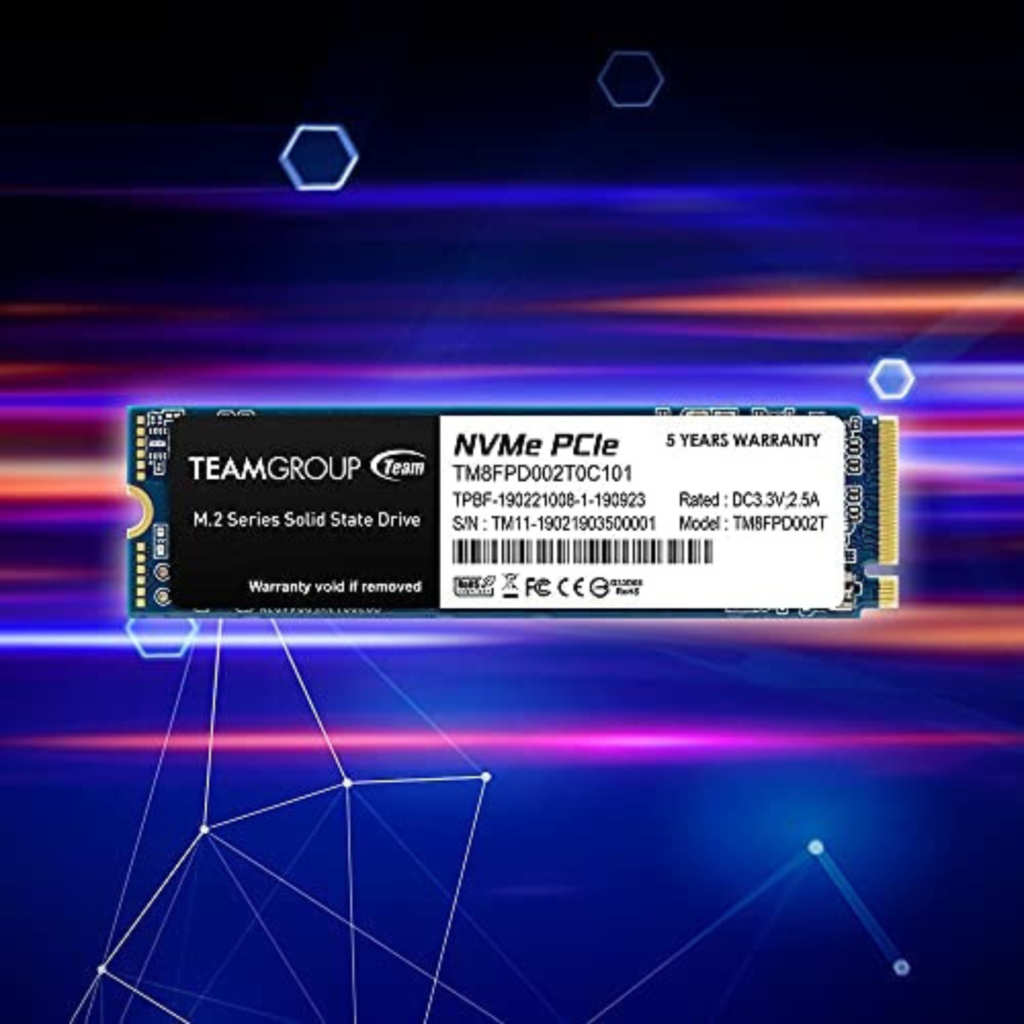
NVMe is a storage protocol used by PCIe SSDs. It is different from SATA. M.2 describes a physical form factor, so an M.2 drive or socket must also be checked for its supported protocol, keying and module length.
Can any M.2 SSD fit my laptop?
No. Check whether the socket supports PCIe/NVMe, SATA or both, and verify the supported module length. “2280” identifies a module 22mm wide and 80mm long. Other lengths exist, and a physical fit alone does not prove electrical or firmware compatibility.
Compare current Lexar NM620 options
Prices are in LKR, checked against published Richcom listings on 10 October 2026. Follow the product links for current prices, availability and complete warranty terms.
| Published product | Price (LKR) |
|---|---|
| Lexar (USA) 1TB NM620 M.2 PCIe Gen3x4 NVMe SSD | 55,500 |
| Lexar (USA) 512GB NM620 M.2 PCIe Gen3x4 NVMe SSD | 35,000 |
| Lexar (USA) 256GB NM620 M.2 PCIe Gen3x4 NVMe SSD | 25,500 |
These listings specify an M.2 2280 form factor and PCIe Gen3 x4 NVMe interface, with three-year warranties as listed. Check the exact laptop or motherboard support before ordering.
Does PCIe generation determine the speed I will see?
The negotiated interface and the drive’s own capabilities both matter. A compatible newer drive can be limited by an older supported interface. Sustained transfer performance and application responsiveness also depend on the controller, workload, temperature and system configuration. Check the manufacturer’s specifications rather than assuming every NVMe drive has the same speed.
Does an NVMe drive require Windows 10 or lower?
No universal “Windows 10 or lower” limit applies to NVMe drives. Operating-system support, boot support and required drivers depend on the computer, firmware and drive. Consult the system and drive manufacturer’s documentation for the intended setup.
When should I choose SATA instead?
Choose SATA when that is the interface your machine supports. Choose a supported NVMe drive when the system offers PCIe storage and the capacity, performance and price suit your requirements. The physically different formats are not interchangeable merely because both are SSDs.
An SSD is not a backup. Keep an independent copy of important files and confirm any data transfer or operating-system migration requirements before work begins. Manufacturer performance figures are model-specific maximums; actual results depend on the drive, interface and workload.
Before ordering
Share the exact laptop or motherboard model, desired capacity and installation requirements. For the wider decision, read the SSD buying guide and SATA comparison. Crucial’s NVMe guidance explains why the drive protocol must match the system.
Explore NVMe M.2.
Request an Appointment
storage compatibility and installation
Repair charges will be quoted after assessment. Work begins after your approval. Your preferred visit needs confirmation.

