



Specifications
| Brand headquarters / origin | ORing / Taiwan |
|---|---|
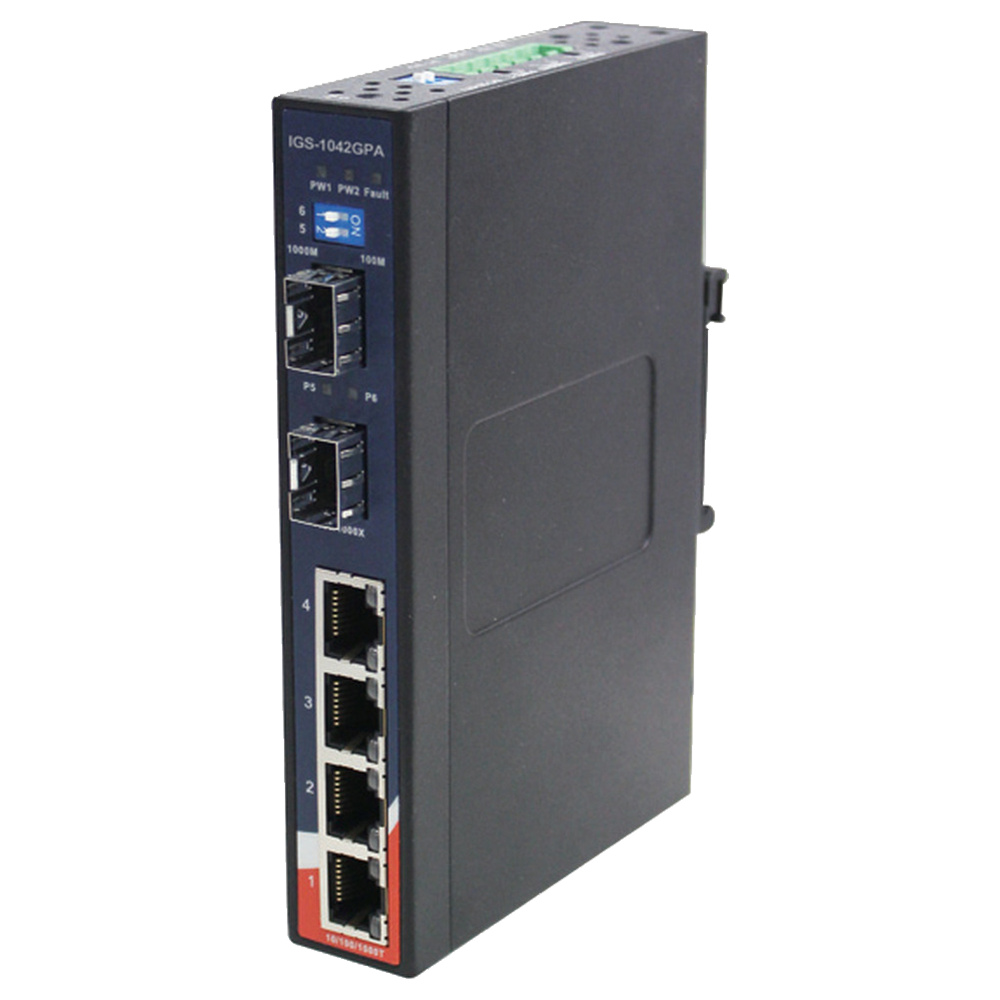
| Model | IGS-1042GPA |
| Copper ports | 4 × 10/100/1000BASE-T(X) RJ45; auto-negotiation and auto-MDI/MDI-X |
| SFP slots | 2 × 100/1000BASE-X; speed selected by DIP switches |
| Management | Unmanaged |
| MAC table | 1K addresses |
| Forwarding method | Store-and-forward |
| Flow control | IEEE 802.3x |
| Jumbo frames | Up to 9K bytes, per current official product page |
| Alarm | Relay output: 1A at 24V DC; per-input alarm enable/disable DIP switches |
| Power input | Dual 12–48V DC inputs on 6-pin terminal block |
| Typical consumption | 6.4W |
| Power protection | Overload current and reverse polarity |
| Enclosure | IP30 |
| Dimensions (W × D × H) | 26.1 × 94.9 × 144.3mm |
| Net weight | 410g |
| Operating temperature | −40 to +70°C |
| Storage temperature | −40 to +85°C |
| Humidity | 5–95% RH, non-condensing |
| Mounting | DIN rail and wall mount |
| Included | Switch, DIN-rail kit, wall-mount kit and quick installation guide |
| Optional | Compatible 100Mbps/1Gbps SFP modules and suitable DC power supply |
| PoE | No PoE output |
| Store warranty | 3 YEARS WARRANTY |
Key Features
- Connect four copper Gigabit devices with two fiber uplinks.
- Choose 100Mbps or Gigabit SFP speed using hardware switches.
- Use dual power inputs for supply continuity.
- Wire the relay contact into a suitable power-fault alarm circuit.
- Fit a narrow cabinet location with DIN-rail or wall mounting.
Product Information
IGS-1042GPA is a six-port unmanaged industrial switch with a slim IP30 enclosure. Its two SFP slots accept supported 100Mbps or Gigabit optics; configure the DIP switches to match the installed module speed. Four copper ports negotiate 10, 100 or 1000Mbps automatically.
Dual 12–48V DC inputs allow a suitably designed backup supply arrangement. The relay can indicate a selected power-input failure, while front indicators show power and link activity. SFP transceivers and power supplies are optional accessories. This is the non-PoE IGS model and cannot power Ethernet endpoints.
Complete your network connections
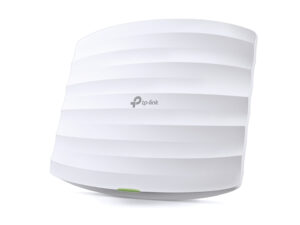
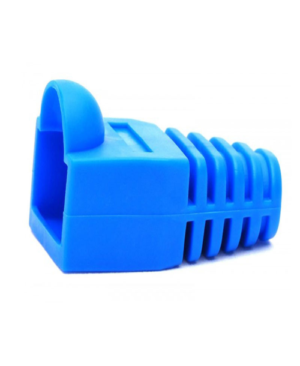
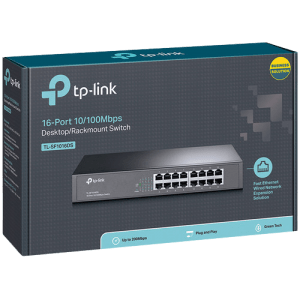
Match cable performance to the installation and check the exact switch interfaces before choosing accessories.
Reviews
There are no reviews yet.