
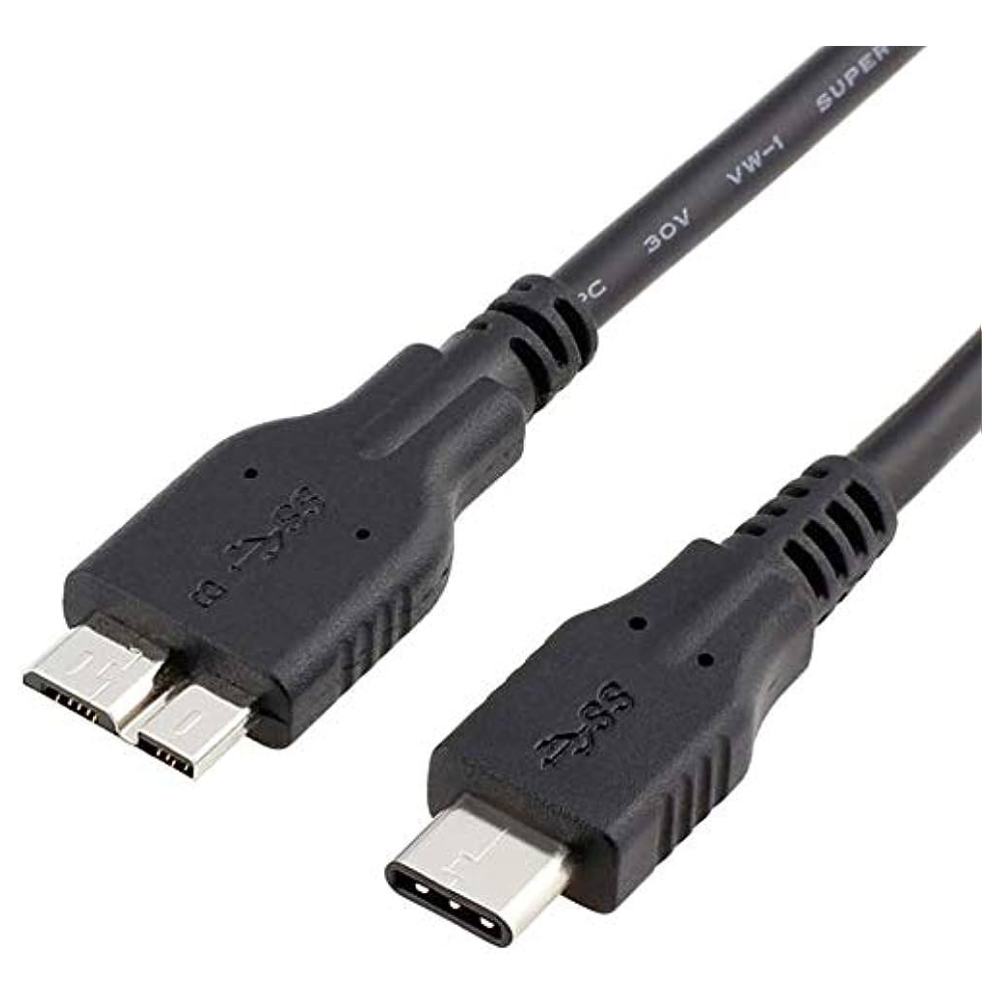
For more info on deciding which cable to purchase please check out our Exclusive Cable Buying Guide
Payment security
Encryption ensures increased transaction security. SSL technology protects data linked to personal and payment info.

Payment security
Encryption ensures increased transaction security. SSL technology protects data linked to personal and payment info.
Need help completing your online order?We’re here to help you, step by step.
Not sure what to do next? Whether you need help choosing the right product, entering your delivery details or completing payment, our team is ready to help. Follow the steps below, or message us on WhatsApp and tell us where you’re stuck.
- Choose & add to cartCheck the model, specifications and warranty. Choose your options and quantity, then select Add to cart.
- Review your cartCheck items and quantities. Select Update cart after changes, then Proceed to checkout.
- Enter your detailsAdd your name, full address, town/city, postcode, phone and email. Untick Ship to a different address? if delivery is to your billing address.
- Review & payCheck delivery charges and your final total. Select Direct Pay, choose Place order and follow the payment instructions.
- Save your confirmationReturn to Richcom after payment. Keep your order number and check your confirmation email, including spam or junk. We will WhatsApp you the courier tracking code after your order has been dispatched.
Payment: Visa, MasterCard, Amex, Frimi, Ipay and Lanka-QR are listed via DirectPay. Options may vary on the payment screen. Cash on Delivery is not available.
If payment was deducted but confirmation is missing, contact us before retrying. Need installation? Use the separate appointment option on eligible products; fixing charges may apply.
Show me the checkout screens
These are real Richcom checkout screenshots, shown in black and white for easy reading and printing. Your product and total will be different.


Related products
-
Cables
Patch Cord Rj45 Cat5 Network Cable
Price range: රු 400.00 through රු 3,500.00 Select options This product has multiple variants. The options may be chosen on the product page
Reviews
There are no reviews yet.