

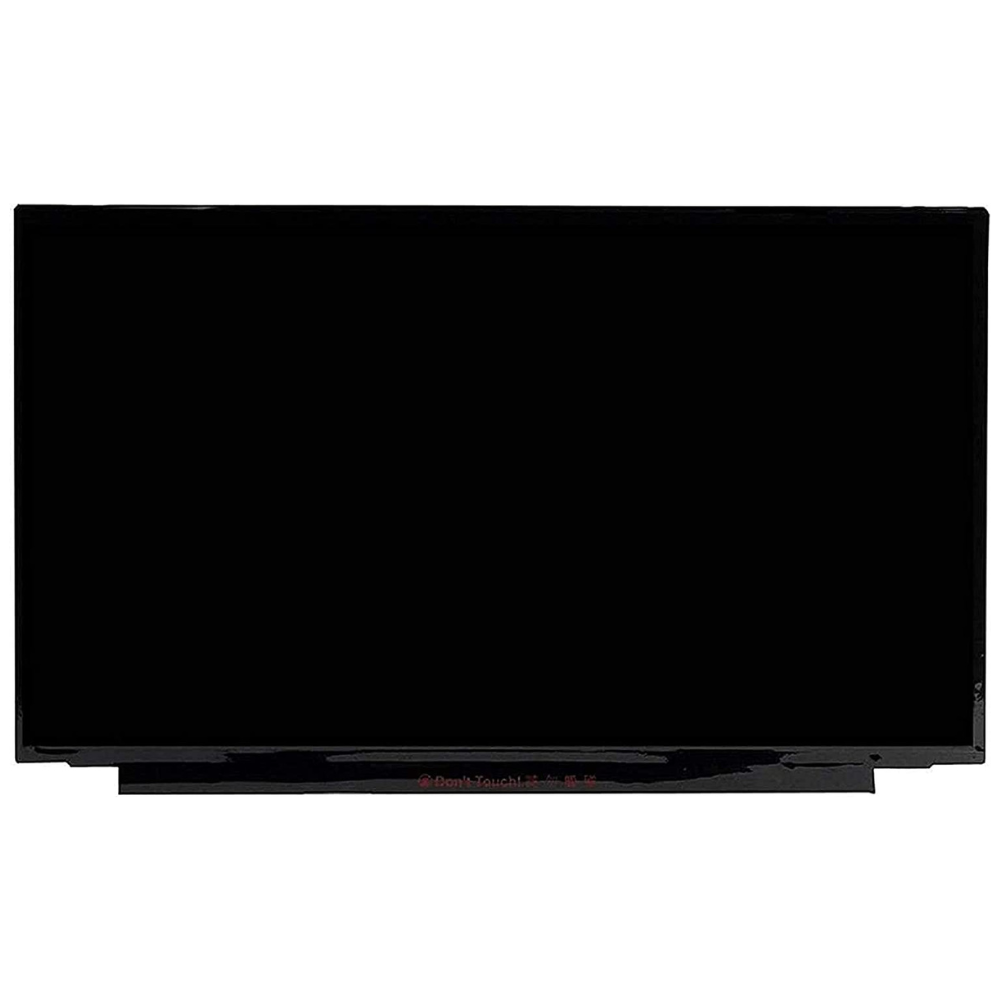
| COMPATIBILITY | Asus Vivobook Pro 16 K6602VV laptops fitted with the 16-inch QHD+ 2560 × 1600, 144Hz non-touch screen. Match the original panel label, 40-pin eDP connector width, connector position and cable before ordering. Other resolutions, refresh rates and display technologies require their own matching parts. |
| SCREEN SIZE | 16 inches |
| RESOLUTION | 2560 × 1600 pixels (QHD+ / WQXGA) |
| REFRESH RATE | 144Hz |
| DISPLAY TYPE | IPS-level LCD |
| TOUCHSCREEN | No |
| VIDEO CONNECTOR | 40-pin eDP — original connector width and layout must match |
| BACKLIGHT | LED |
| PANEL REFERENCE | NE160QDM-NX1 |
The Asus Vivobook K6602VV display is intended for the 144Hz QHD+ configuration of this laptop. It provides a 16-inch viewing area with a 2560 × 1600 resolution. The 16:10 format gives you useful vertical space for documents, websites and creative work. Also, the 144Hz refresh rate keeps supported motion clear and scrolling smooth.
Before selecting your Asus Vivobook K6602VV display, check the model code on the underside of the laptop. Then compare the label on the original screen with the panel reference in the table. A laptop series can use several display options, even when the outer casing looks identical. Therefore, confirm the resolution, refresh rate and connector rather than choosing by screen size alone. This listing is for the non-touch LCD version. Touchscreen and other display configurations need a different matching part.
The display uses an LED backlight and an IPS-level LCD design. As a result, it suits everyday work, study and entertainment. Its 40-pin eDP connection must match the original cable width, position and pin layout. A connector with the same pin count does not always guarantee compatibility. For the best result, have the original panel and cable checked before installation.
Choose the Asus Vivobook K6602VV display when a damaged screen shows cracks, lines or other panel faults. However, a blank or flickering picture can also come from the cable or another component. Check the fault before ordering a display. During installation, a technician can inspect the cable, seat the connector correctly and test the picture before closing the laptop. Finally, confirm that the native resolution and intended 144Hz mode are selected in the display settings.
For help choosing a compatible screen, read our Asus laptop display buying guide.
Reviews
There are no reviews yet.